You already know the subject.
Search here when you already know you need oxygen, Copper, Scanner Room, landmarks, co-op hosting, or another named topic.
Guide Archive
This page is the archive section of the site. Use it when you already know the topic and need the right guide, not when you still need the site to diagnose the problem for you.

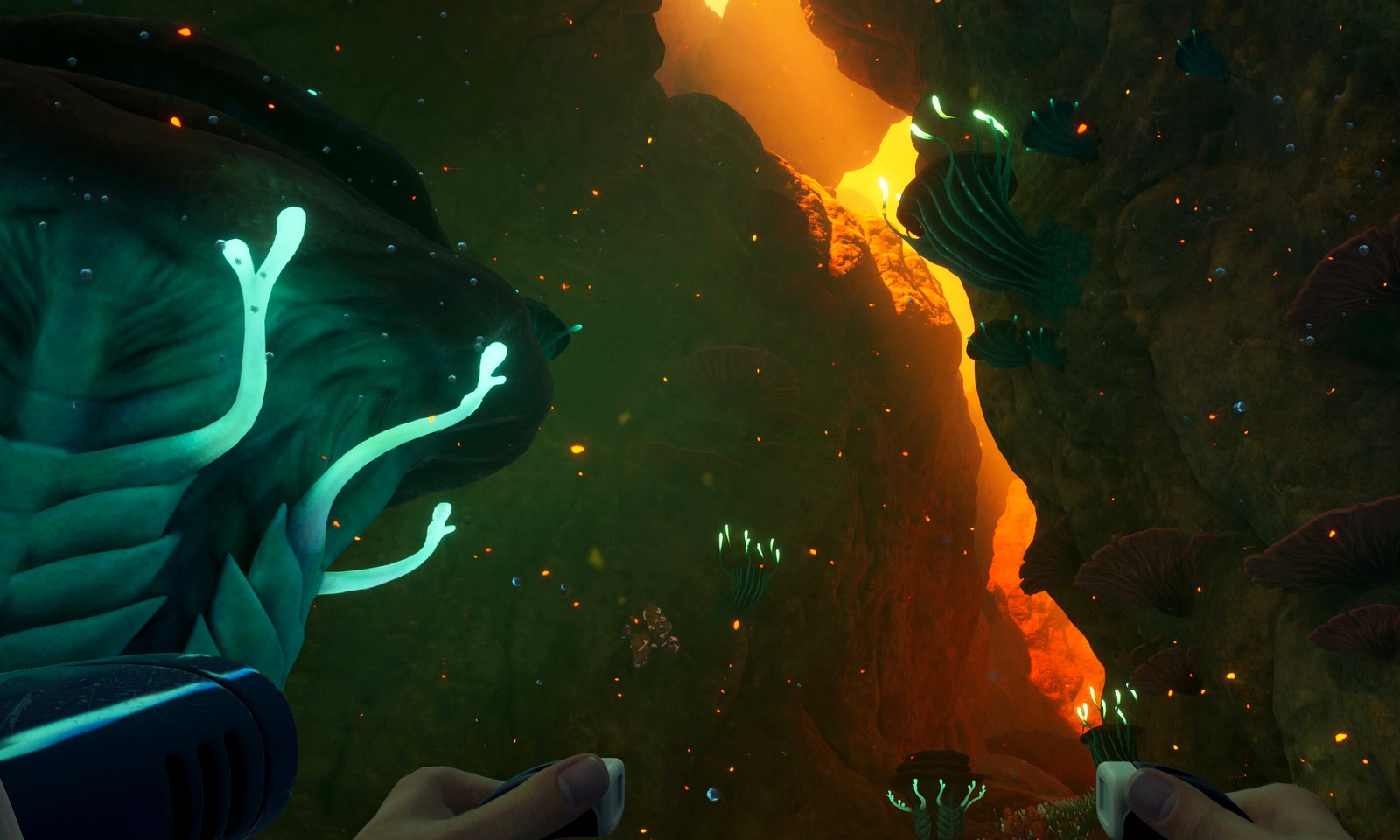

Common Search Hand-Offs
The archive should not feel like a dumping ground. These hand-offs make common searches behave like a maintained guide shelf: quick diagnosis first, then one focused article.
| If the reader searches | What they probably mean | Best library action | Leave the library if |
|---|---|---|---|
| subnautica wiki | Known-topic lookup, not general browsing | Search one named item, system, route, or creature topic. | They cannot name the blocker yet. |
| subnatica | Misspelled Subnautica query | Recover the spelling and show practical Subnautica 2 guides. | The query is really release or news intent. |
| early access | Current-build freshness concern | Filter recent and patch-sensitive guide pages first. | They need official patch context before guide advice. |
| copper / titanium / quartz | Material blocker | Open one material page, then return to the craft goal. | They do not know what the material is for. |
| co-op / host / shared progress | Team flow or save-rule confusion | Open the co-op guide that matches the exact session problem. | The team has not agreed on one session goal. |
Archive Rules
Search here when you already know you need oxygen, Copper, Scanner Room, landmarks, co-op hosting, or another named topic.
If the problem is still vague, leave the archive and use the homepage diagnosis, guided routes, map hub, or resource hub first.
Real players usually do not need the whole archive. The library works best when it narrows quickly instead of becoming another maze.
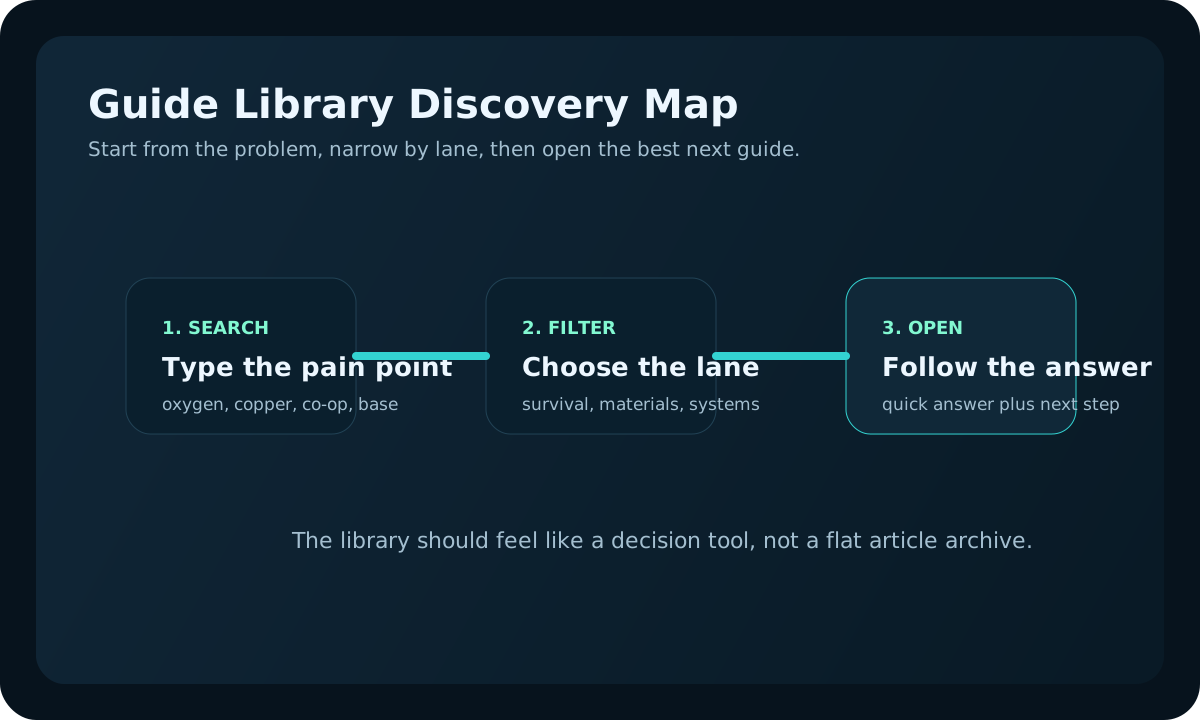
Discovery map
Start from the player problem, narrow by lane, then open the guide that gives the fastest next step.
If a search result does not point to one clear next action, the reader should leave the archive and use the homepage diagnosis, update tracker, map hub, or resources database instead.
Real search moments
Archive pages feel more trustworthy when they show the kinds of real situations that should send a player into search, instead of pretending every run starts from a perfect keyword.
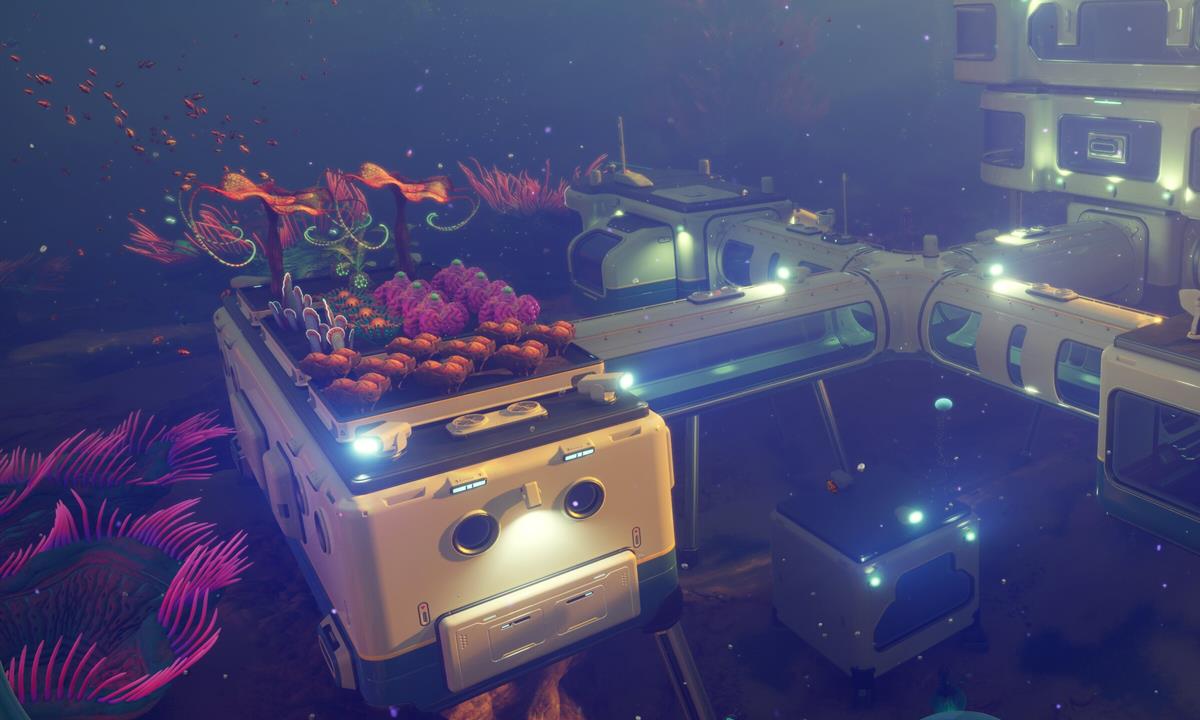
The library is the wrong first click when the player still cannot tell whether the blocker is oxygen, route choice, or material timing.
Open the next-step tool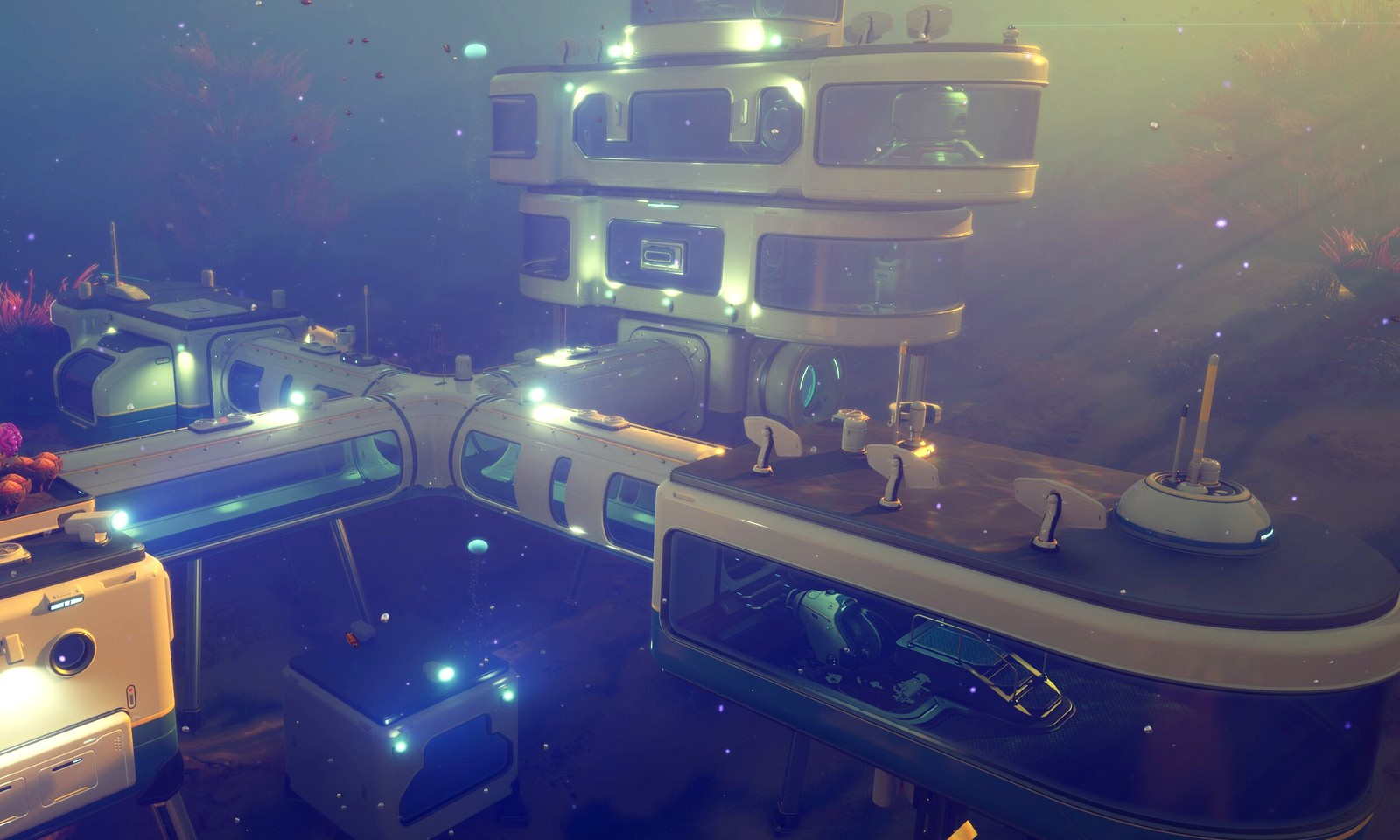
This is the moment to search for Scanner Room, Copper, base layout, or vehicle upgrades instead of browsing category overviews again.
Search the library
If the question already is about host rules, shared progress, or one patch-sensitive system, the archive becomes much faster and more useful.
Open co-op progressionArchive Channels
Use these when the real question is still "what is wrong?" and not yet "which page covers it?"
Use the archive only when you already know the keyword and want the correct article faster than browsing lane pages manually.
Quality Filter
The library exists to shorten a known-topic search, not to inflate page count. If you already know the topic, use the search box or lane filters to reach the exact answer. If you only know that the save feels messy, start from the homepage diagnosis, first-hour route, or progress checklist instead.
| Good archive use | Why it helps | Better than archive if |
|---|---|---|
| Search one named blocker such as Copper, oxygen, Scanner Room, or co-op hosting. | The library can return a narrow answer page instead of a broad category. | You cannot describe the blocker in one phrase yet. |
| Filter by lane after a guide tells you which system matters next. | Lane filters prevent unrelated pages from feeling like filler results. | You need a route sequence, not a list of possible reads. |
| Use Early Access and news searches to find update-sensitive pages. | Patch-sensitive pages are easier to recheck when they are grouped by intent. | You need the official post first, not site interpretation. |