One material or fragment shortage already is wasting more time than the room would cost to set up and use.
Decision guide
Is the Scanner Room worth building early in Subnautica 2?
The Scanner Room is worth it only when one repeated search problem already is slowing real progression. If your base still is shaky, the room usually magnifies the mess instead of solving it.
Last reviewed August 17, 2026
Patch sensitivity Medium
Scanner timing changes most if early power cost, fragment value, or common-material pressure is adjusted.
Your real blocker still is oxygen, power, storage, or a base location that you do not even plan to keep.
Reviewed August 17, 2026
Built for yes-or-no timing
Base-loop dependent
Follow-up pages linked
You already understand what the Scanner Room does, but still cannot tell whether it removes a real blocker or just adds chores.
You do not even have a stable base yet. In that case, power, storage, or first-base flow is still the real issue.
Open Scanner Room usage if the answer already is yes, or open base power if the idea is good but the base still cannot support repeat scans.
Quick answer
The Scanner Room is worth it early only when one repeated search is clearly wasting time and the base already can support repeated returns. If oxygen, power, storage, or base placement still are unstable, wait and fix those first.
How to judge this page correctly
- This is a timing page, not a blueprint praise page: the question here is whether the room solves a current repeat problem now, not whether the room is useful in general.
- It works best when one search failure keeps repeating: missing fragments, material hunts, or long manual loops are the signals that make the decision clearer.
- Use one follow-up page only: move into Scanner Room usage or base power as soon as the real blocker is named.
Page media
Use these three cards to decide whether the Scanner Room belongs now, later, or not at this base at all.
One page improves the actual scanner loop, one stabilizes the base behind it, and one fixes the storage pressure that often makes the room feel worse than manual gathering.
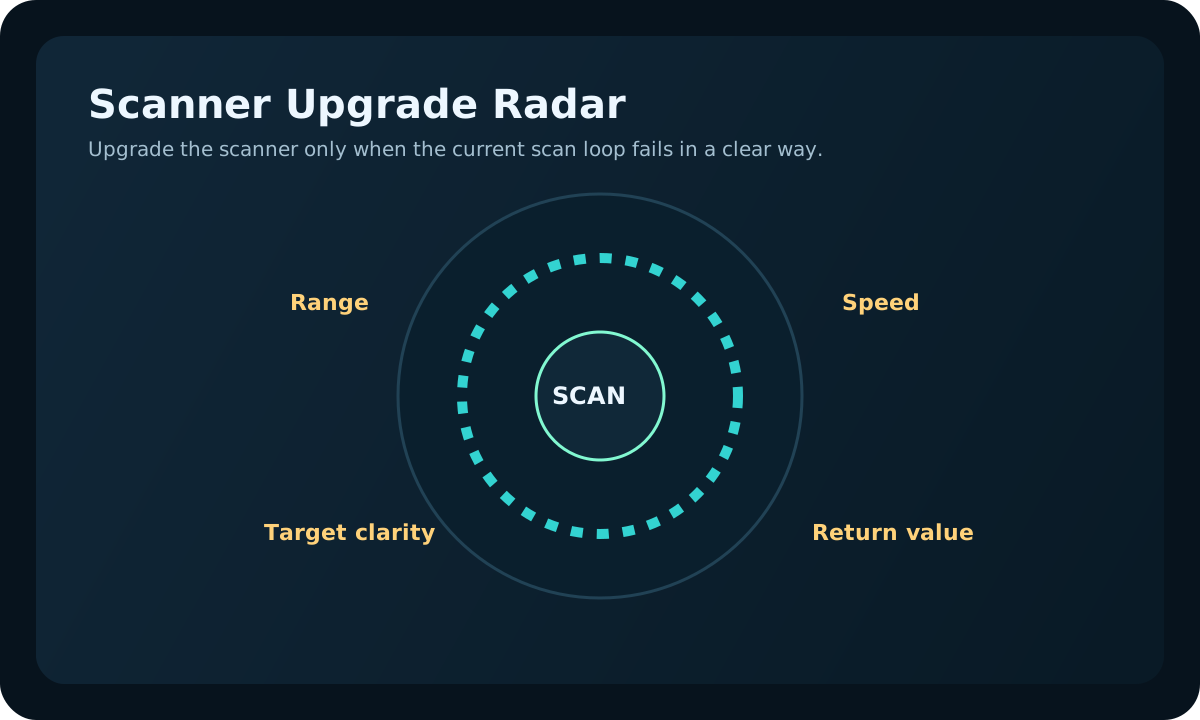
Execution
How to use the Scanner Room efficiently
If the answer is already yes, make the first scans create value fast.

Power
How base power works
If the room would help but the base cannot support repeat trips yet, fix support first.
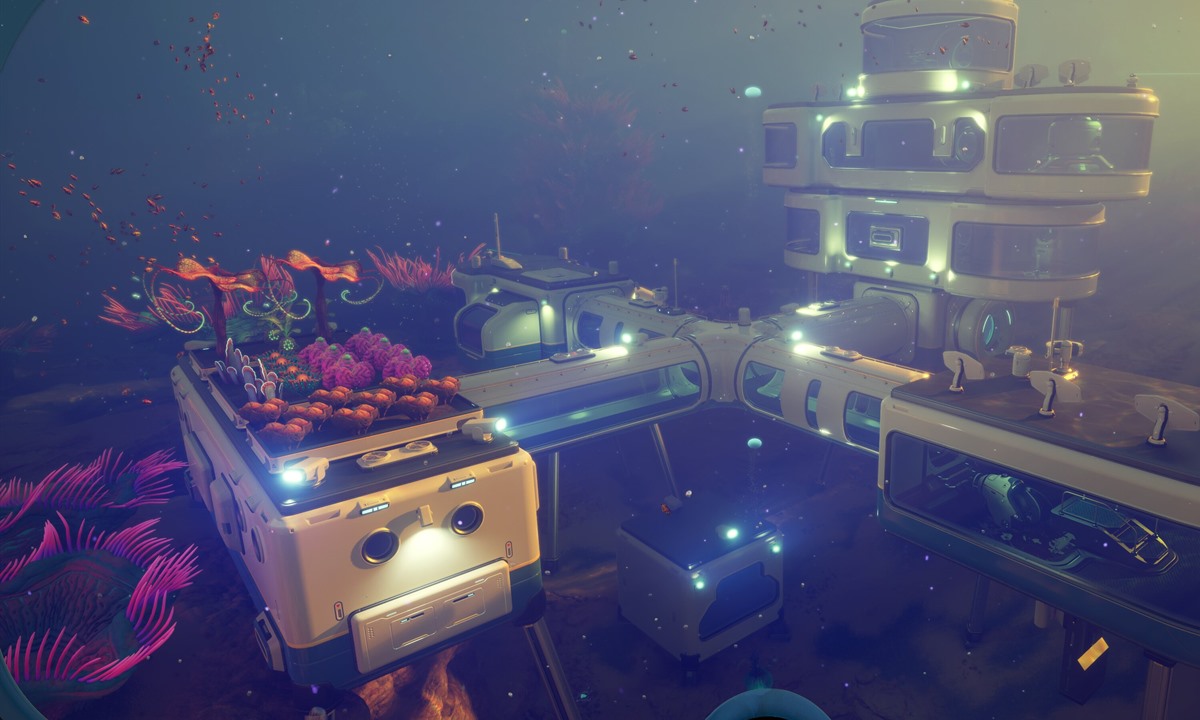
Storage
Best early storage upgrades
If the scanner could help but drop-off is messy, solve storage flow before adding more signals.
Good fit if
- You already have a real base, but still cannot tell whether the Scanner Room saves time or just adds chores.
- The same material, fragment, or search problem keeps blocking several upgrades in a row.
- You want a practical yes-or-no decision tied to your current base support.
- In co-op, the team needs to know whether the scanner creates shared value or just more confusion.
Scanner Room timing table
Start here. The right answer depends on what is actually blocking the next useful step.
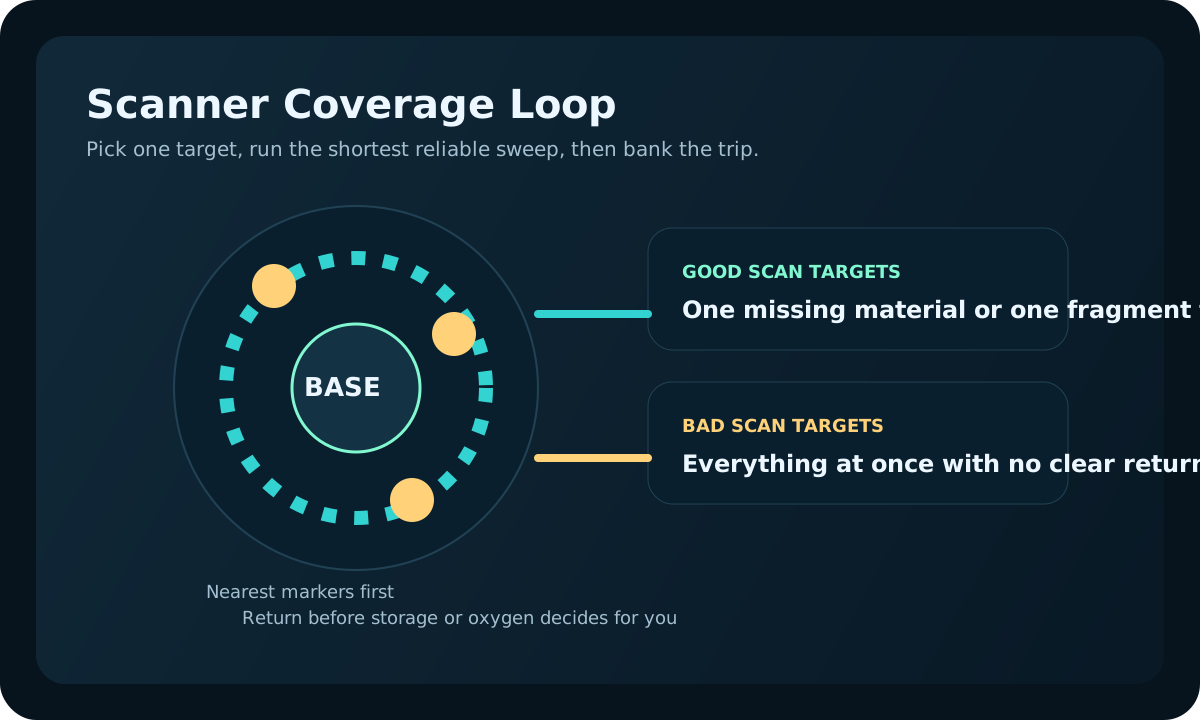
| Current situation | Best choice | Why it works | Do not do this yet if |
|---|---|---|---|
| You only need one small batch of common materials | Gather manually | Manual runs still are cheaper than building a new utility room. | The same shortage already is repeating every session. |
| One missing material keeps blocking several upgrades | Build the Scanner Room now | It can turn a repeated search problem into a clean farming loop. | Power or storage are too weak for repeated returns. |
| Your base is temporary or badly placed | Wait until the next base | A scanner in the wrong place creates more travel instead of less. | You still have not chosen the real route hub. |
| You are in co-op and everyone gathers randomly | Build it only if the team will use one shared target | Visible markers help only when deposits and roles already are clear. | No one owns storage, returns, or shared build order. |
Real gameplay checkpoints
These are the three moments that usually answer the scanner question faster than a long theory debate.
One pattern says build it now, one says fix the base first, and one says you still are trying to use the scanner to solve the wrong problem entirely.

This is the strongest early yes: one recurring shortage is clearly more expensive than the room.
If the same blocker keeps delaying progress, the scanner can pay for itself by cleaning up that loop alone.
Open material-priority guide
The room could help, but the base still is not ready to support it.
When deposits, power, and storage already feel messy, the scanner usually creates more work than it saves.
Open first-base-build-order guide
The scanner is not the fix if the problem still is general confusion instead of one named shortage.
When the next unlock is unclear, better route order beats more systems every time.
Open first-two-hours guideBuild it now when
- The same missing material or fragment already is blocking several route upgrades in a row.
- Your base has dependable power, obvious drop points, and enough storage for repeated short runs.
- You know exactly what you want to scan before the room even exists.
- The scanner will shorten a route you already understand instead of replacing route knowledge.
Wait a little longer when
- Your real problem still is oxygen margin, food, water, or panic routing.
- The base is only a temporary shelter and not the route hub you plan to keep.
- Storage is overflowing or materials still disappear into random side crafts.
- You are hoping the room will fix broad uncertainty without one clear target.
Practical early-game test
- Name the exact material, fragment, or repeated shortage the room is supposed to solve.
- Check whether the base can support two or three short returns without power or storage friction.
- If yes, build the room and run two focused scans only.
- If those scans remove more search time than they add in setup friction, keep it and expand only after the first proof.
- If the room creates clutter, extra travel, or confusion, pause and fix the home loop first.
Solo vs co-op timing
| Mode | Scanner is worth it when | Most common mistake | Best follow-up |
|---|---|---|---|
| Solo | One repeated search is slowing every next useful build. | Building the room before the base can support repeat farming. | Base power |
| Co-op | The team needs one visible material target and cleaner role split. | Everyone chases markers without one player handling deposits and craft order. | Co-op progression |
Scenario check
The room makes sense only when the next problem is a named shortage, not a vague feeling that the base should do more.
| Player scenario | Build now? | Why |
|---|---|---|
| One missing material blocks three upgrades | Yes | The scanner pays back the search time immediately. |
| Base power and storage still feel shaky | No | Support systems will save more time than a new search room. |
| Co-op wants one shared target for the session | Usually yes | The room helps only if one player keeps the target list clean. |
Maintenance note
Reviewed August 17, 2026. Recheck after any patch that changes base power cost, fragment density, or early material pressure.
Next route map
Choose the next page by the real reason you still are hesitating.
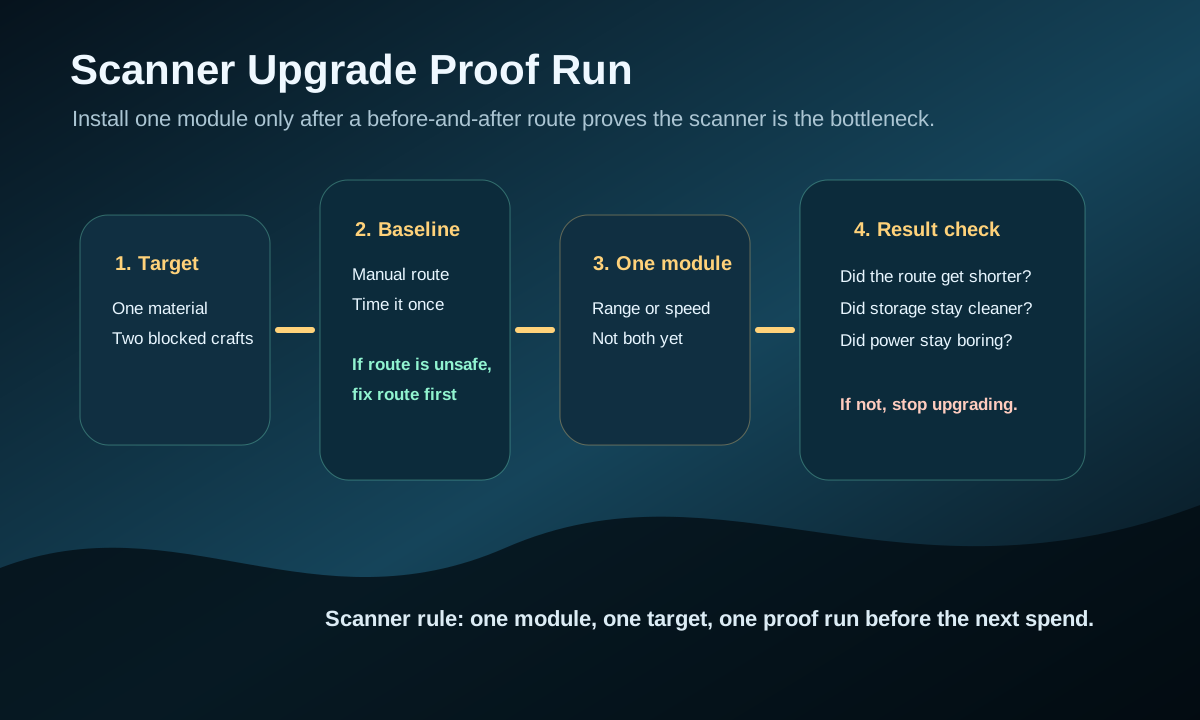
If the answer now is yes
How to use the Scanner Room efficiently
If you are ready to build or already built it, make the first scans feel efficient.

If the room belongs later, not here
Best first base location
When the scanner exposes a weak home position, reassess the long-term route hub.

If the room would help but the base still is too messy
Best early storage upgrades
If another utility system cannot pay off yet, clean up the home loop first.
Worth-it review
The scanner room is worth it when it answers a repeated search question.
Build it when the same material, biome edge, or system search keeps wasting trips. Wait if the route is still too unstable or the base cannot power the room reliably.
Build
The scanner removes a repeated search loop.
Wait
The base site or power plan is still uncertain.
Upgrade later
The first scan works, but range or speed becomes the next bottleneck.