Stabilize the opening
Use this path when oxygen, water, food, and first tools still interrupt every route.
Player tools
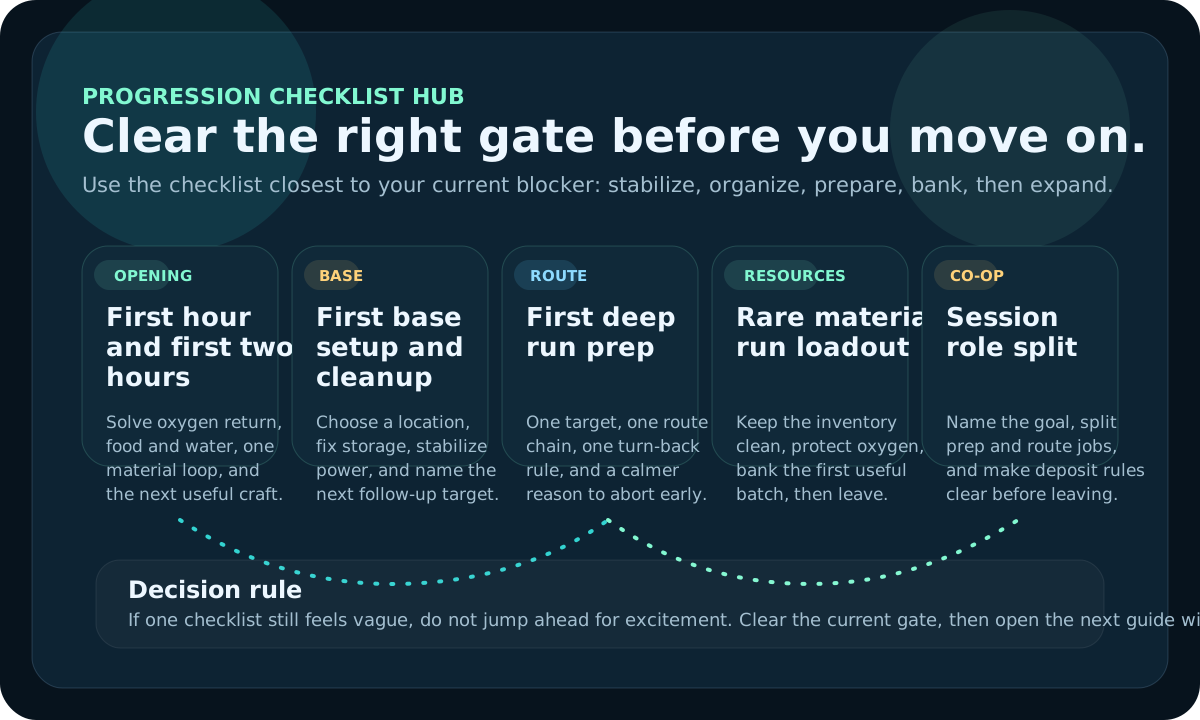
Use this hub when you need a route, material decision, checklist, patch check, base order, or co-op plan without searching the full Guide Library first.
Open Tools when you need a checklist, route helper, patch check, version note, or task-first path for the current session. If you already know the topic name and need the right shelf, use Database. If you need official post order or release wording, use News or Early Access.
Column boundary
Stay here only while the need is a tool-shaped job: checklist, route planning, material choice, base order, upgrade choice, patch triage, or co-op coordination. Once the exact article is obvious, leave this hub and follow that narrower guide.
| Player wants to... | Smallest useful tool | Leave when... |
|---|---|---|
| Turn a messy session into one order. | Checklist Planner | The next three actions are named. |
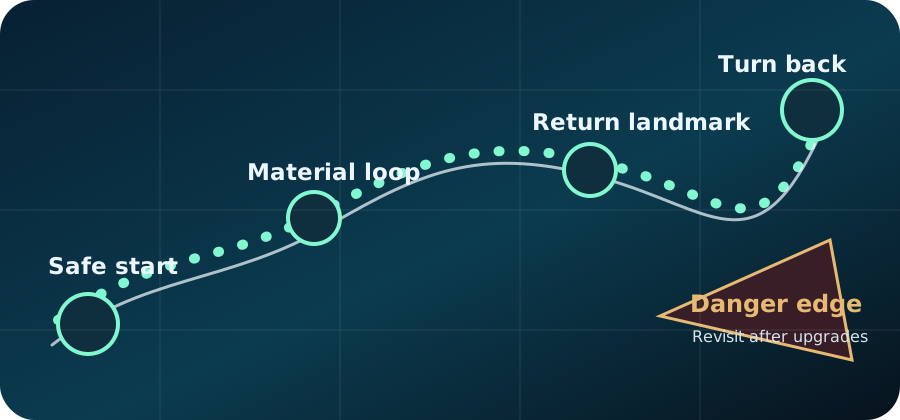
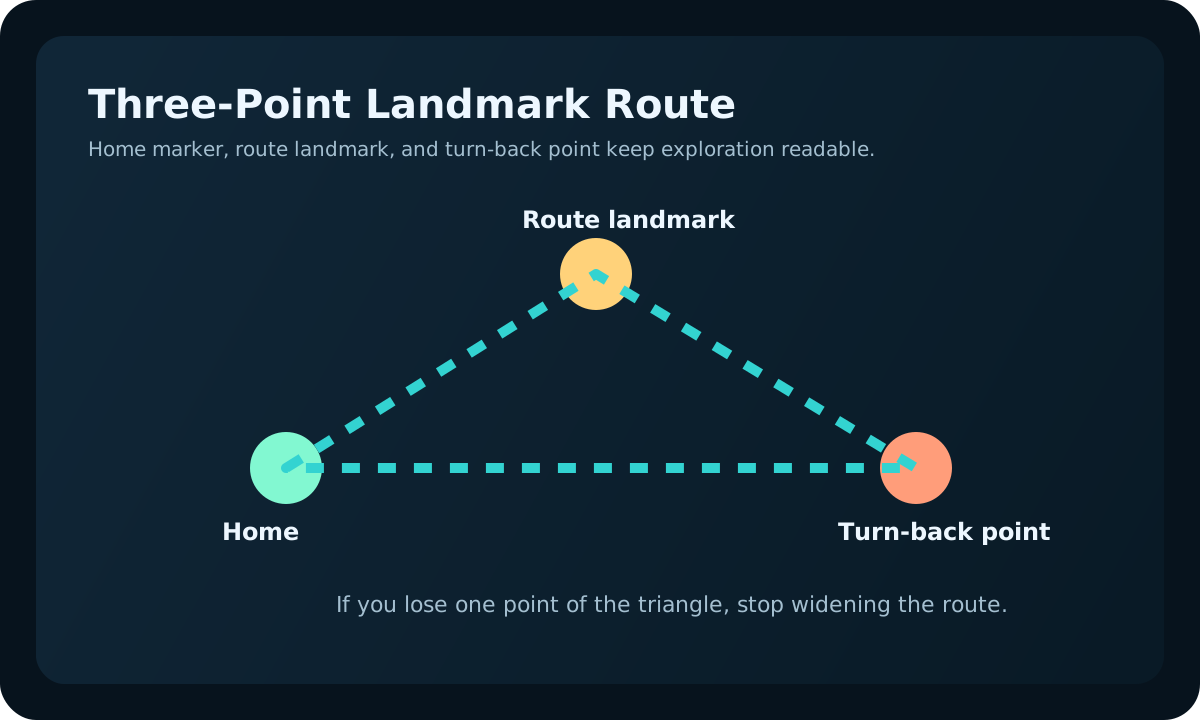
| Plan a route without overcommitting. | Route Planner | The goal, pressure, and return cue are clear. |
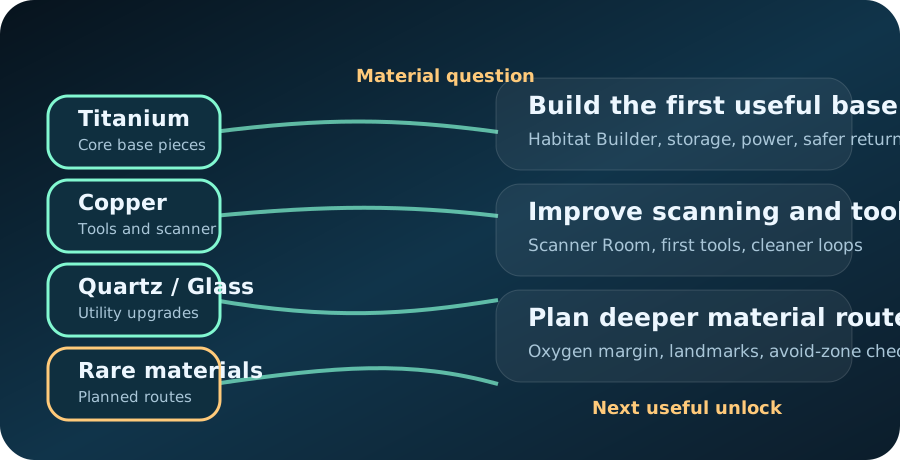
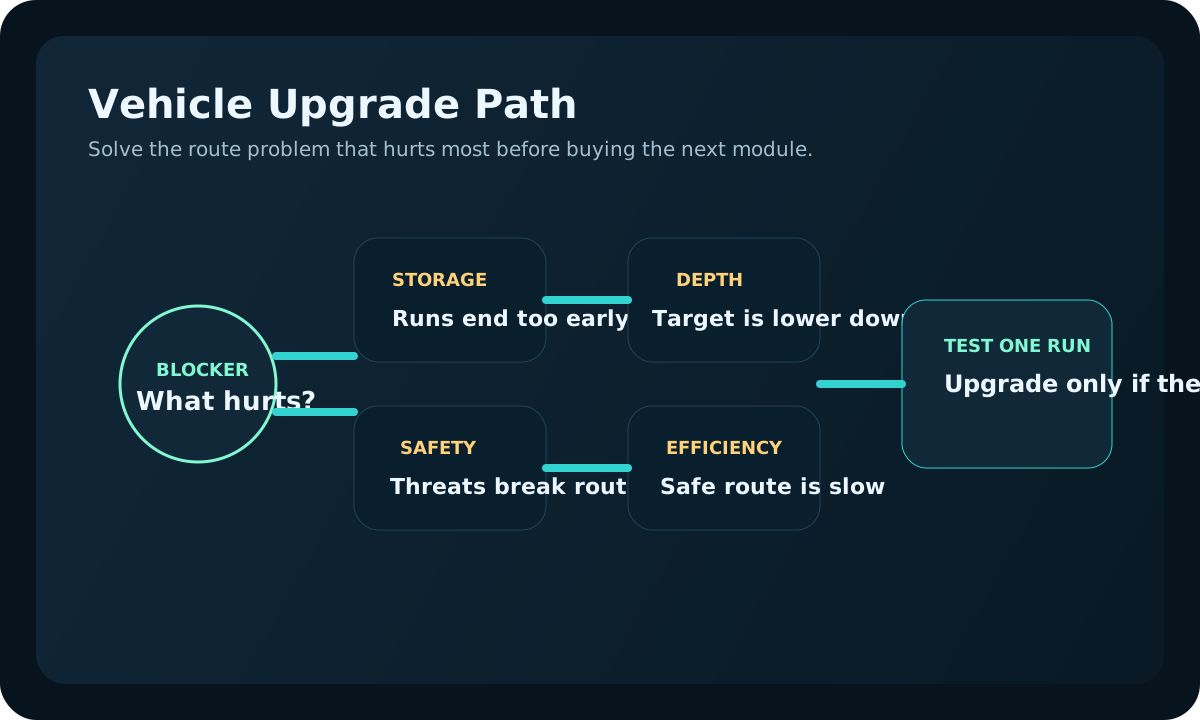
| Choose which upgrade deserves the next batch. | Upgrade Planner | The repeated failure has one matching upgrade. |
| Check whether advice is stale after a patch. | Patch Triage | The affected guide cluster is identified. |
Other site rooms
This page should solve a player task first. If the need turns into a named-topic lookup, an official update check, or a public report, jump into the right room instead of staying here.
Workbenches
These workbenches behave more like mini tool pages than article lists. Use them when you want the next recommendation picked by the current blocker, not by browsing.
Quick finder
Pick one problem and the hub will recommend the best first tool, followed by the most useful guide links.
What are you trying to do?
Use this path when oxygen, water, food, and first tools still interrupt every route.
Use the map when the path is unclear. Use resources when the item is known but the batch is not.
Choose a useful location, a short build order, and the system that removes the next real blocker.
Use a readiness checklist before depth, danger, or inventory risk turns a promising trip into a reset.
Confirm the host, session goal, and role split before several players repeat the same work.
Use the update tracker after a patch, a long break, or any run that no longer matches the expected route.
Tool directory
| Tool | Best for | Result | Open |
|---|---|---|---|
| Checklist planner | A session with too many unfinished tasks. | One ordered list saved on the current device. | Use checklist |
| Map and route hub | Landmarks, danger edges, depth, and return planning. | A safer route and a clearer turn-back rule. | Open map |
| Resource hub | A known material with an unclear route or payoff. | A useful batch tied to the next craft. | Find resources |
| Patch review | Advice that may have changed after an update. | The guide lane that should be checked first. | Check update risk |
| Guide Library | A topic you can already name precisely. | The narrowest matching article. | Search guides |
Common paths

Use the short list to name the missing step before opening the longer route.
Open first-two-hours guide
Confirm the route and return rule before optimizing the batch or inventory loadout.
Open material priority
Agree on the host and jobs before the team starts collecting unrelated materials.
Open Co-op CenterThese tools organize guide decisions; they do not modify game files, accounts, saves, or platform services. If a problem is about purchases, access, refunds, or an official account, use the appropriate game or store support channel.
Tool shelf map
Use for wiki-style lookup across resources, blueprints, map routes, bases, vehicles, co-op, and Early Access status once the subject is already named.
Use for official update context, patch triage, maintenance notes, and freshness checks.
Use for corrections, proof notes, missing-guide ideas, and public review priorities.
Use for release status, search variants, and official information before gameplay browsing.
Use for site build notes, trust cues, and visible maintenance changes.
Use when a broad search term still needs translation into the right room.
Tools depth
The tools page works when it sends the player into the smallest useful helper. If the page cannot tell whether the blocker is survival, route, material, base, or co-op, it needs more triage, not more decoration.
Task resolver
This page should reduce friction for players who do not know the article title they need. Start from the desired result, then send the reader to one tool or one full guide with a clear next action.
| Player wants to | Smallest useful tool | Full guide if needed | Stop condition |
|---|---|---|---|
| Know what to do in the next session. | Checklist planner | First two hours | The next craft, route, or base task is named. |
| Plan a route without overcommitting. | Route Planner | Dangerous zones | The route has a turnback cue and one reward. |
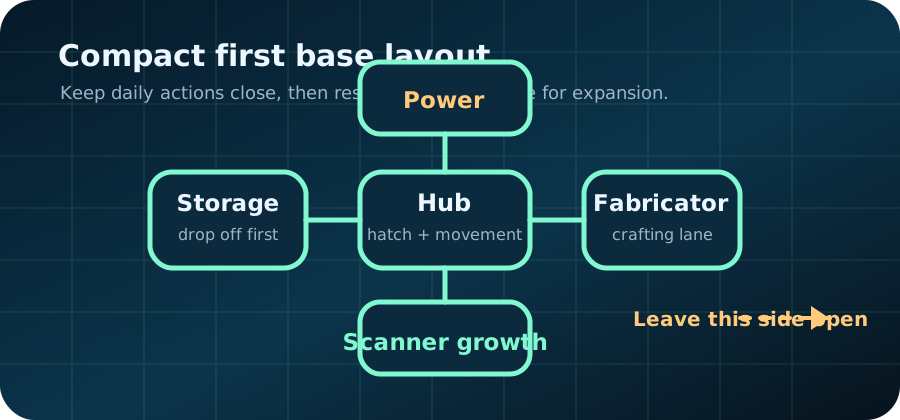
| Place a base that actually helps. | Base Planner | First base location | The site passes a return, reset, and expansion test. |
| Decide whether an older page still applies. | Patch triage | Patch recheck routine | The changed system and affected guide are identified. |