You can reach useful places already, but the return trip still feels less like memory and more like luck.
Map literacy guide
How to use landmarks for navigation in Subnautica 2
Good landmarks let you repeat useful routes without panic memory. Before the world feels familiar, shape, light, depth, and base direction should do more work than guesswork.
Last reviewed August 17, 2026
Patch sensitivity Medium
Navigation advice changes when visibility, biome edges, or early landmark readability shift in major updates.
One home cue behind you, one midpoint check, and one forward marker that tells you the route should stop here.
Quick answer
Pick two landmarks before leaving safety: one behind you for the return path and one ahead that marks the edge of the route. If either landmark disappears or becomes hard to recognize, pause the trip and reset before going deeper.
Page media
Open these if route memory still needs stronger visual anchors.
This set keeps landmark work connected to safe-route planning, connected loops, and base placement when landmarks need to support a new home instead of only a temporary swim.
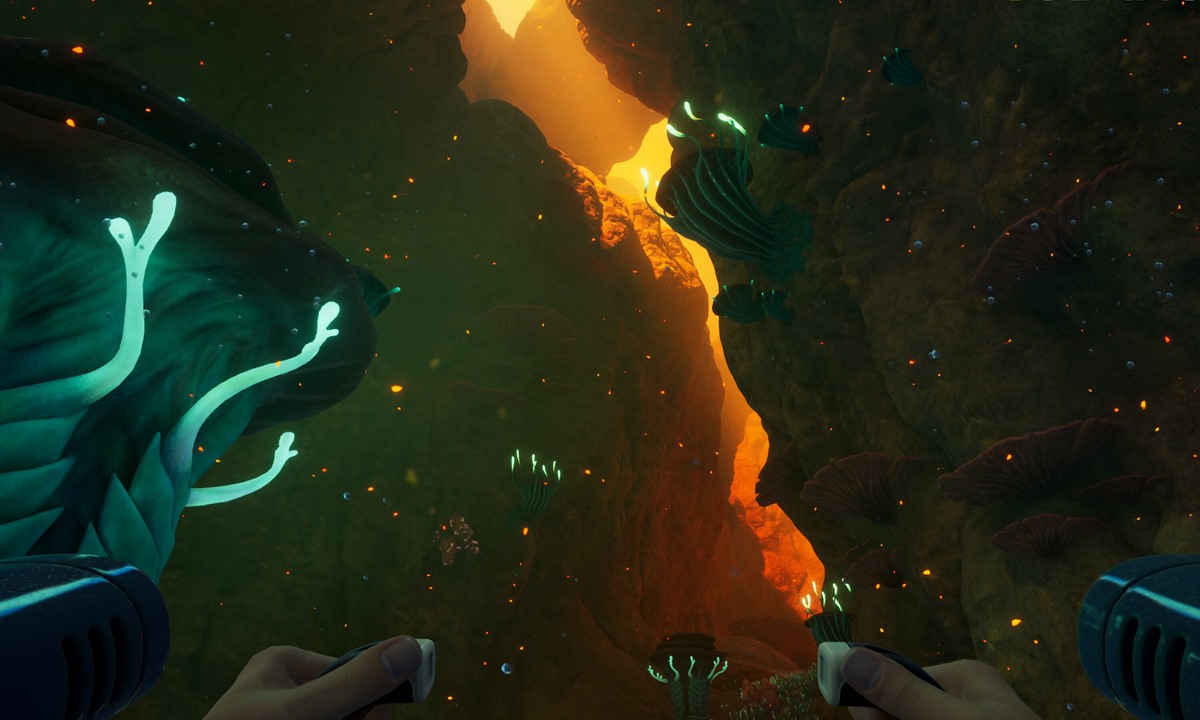
Safe edge
Best safe biomes
Open this if landmark memory is weak because the chosen route itself is still too noisy or wide.
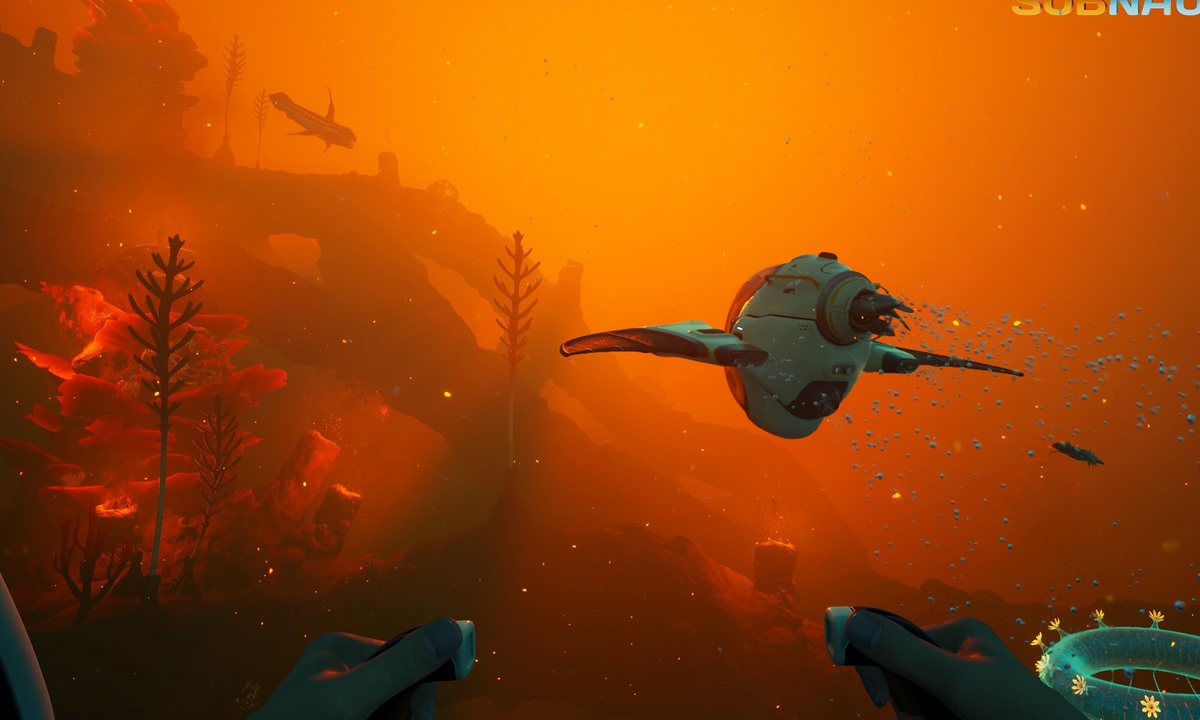
Route chain
Best early biome route
Open this next when your landmarks are getting better and the next goal is connecting them into one wider repeatable loop.
Home anchor
Best first base location
If landmark memory is good enough, choose a base site around the routes that already work.
Three-point route method
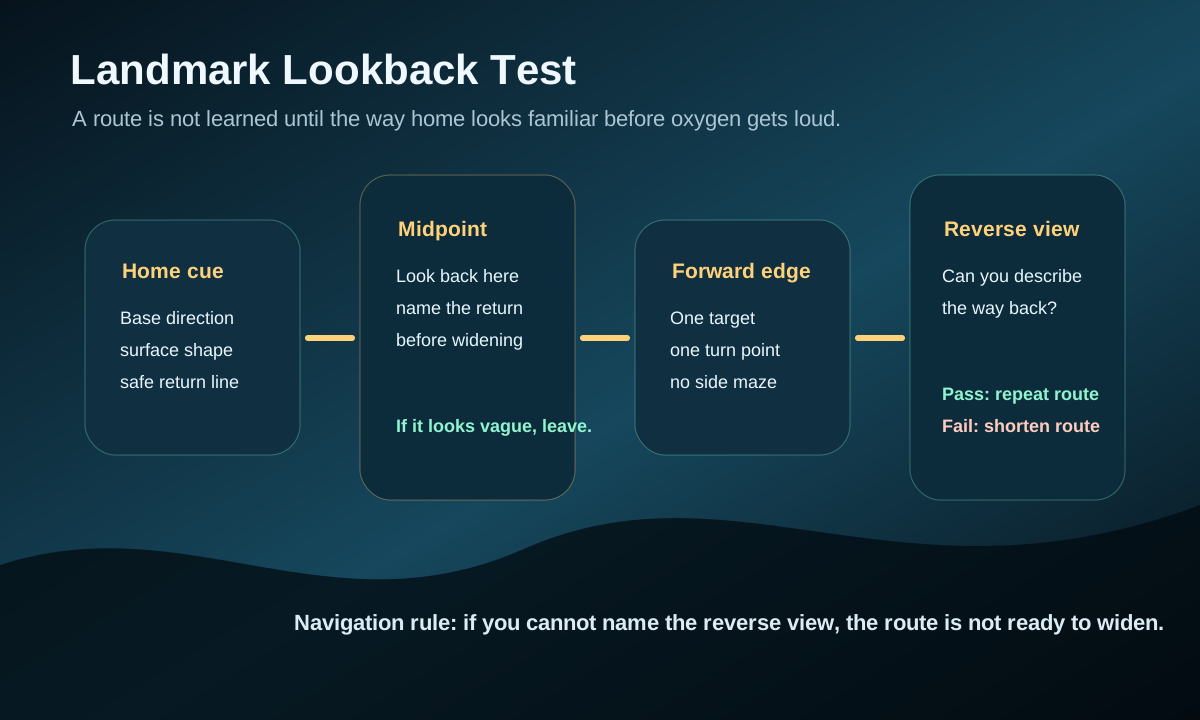
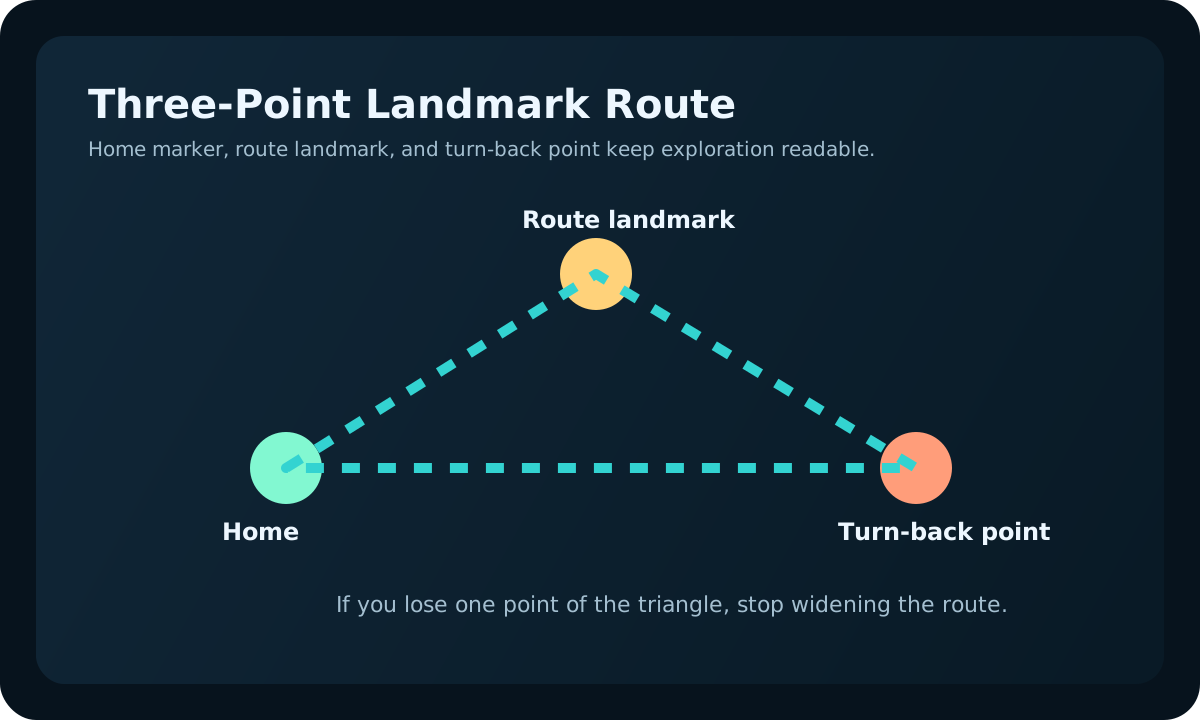
- Choose a home landmark before leaving: base direction, surface cue, or terrain shape that gets you back to safety.
- Choose a midpoint landmark where you can still turn back easily. This is where you check oxygen, food, water, and inventory before continuing.
- Choose one forward landmark that marks the edge of the trip. If the target is beyond that point, save it for a better route.
- On the return swim, look for the same landmarks in reverse. If the route looks unfamiliar, stop widening the loop.
Landmarks worth tracking
- Large terrain shapes that stay visible from several angles.
- Distinct color or lighting changes that signal a biome edge.
- Resource clusters that mark a repeatable farming loop.
- Your own base direction, oxygen return point, or safe surface path.
Real gameplay checkpoints
These are the three landmark situations that usually decide whether a route becomes truly repeatable.
One creates calm memory, one creates false confidence, and one fails because the player is trying to remember details instead of memorable shapes.
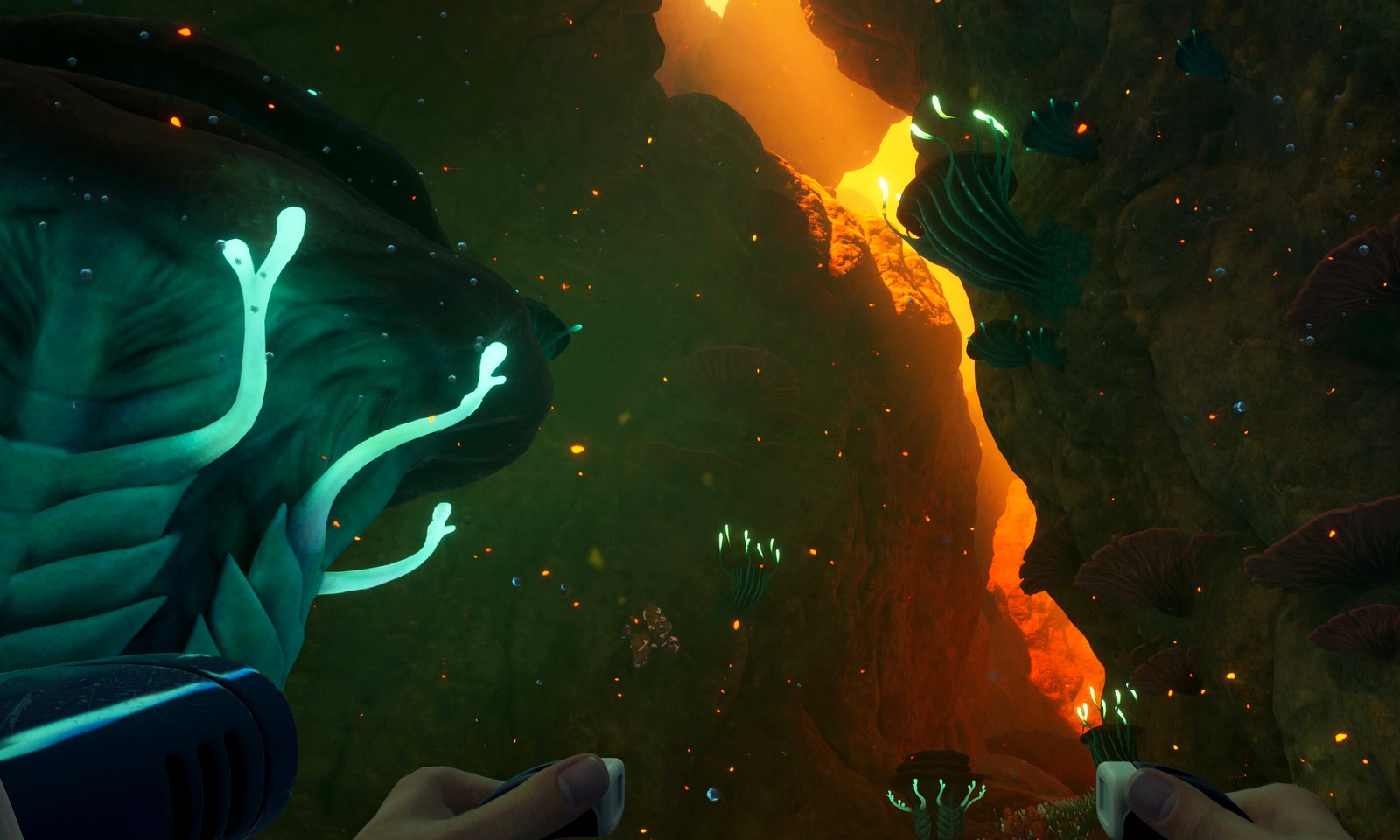
The route is readable because the terrain actually gives you a memorable story.
Good landmarks are big, obvious, and consistent enough that you can describe them before you need them under pressure.
Open early-route guide
The outward route feels fine, but the landmarks vanish as soon as depth and stress increase.
Back out sooner when your chosen markers only work in calm conditions and disappear the moment you need them most.
Open keep-exploring decision guide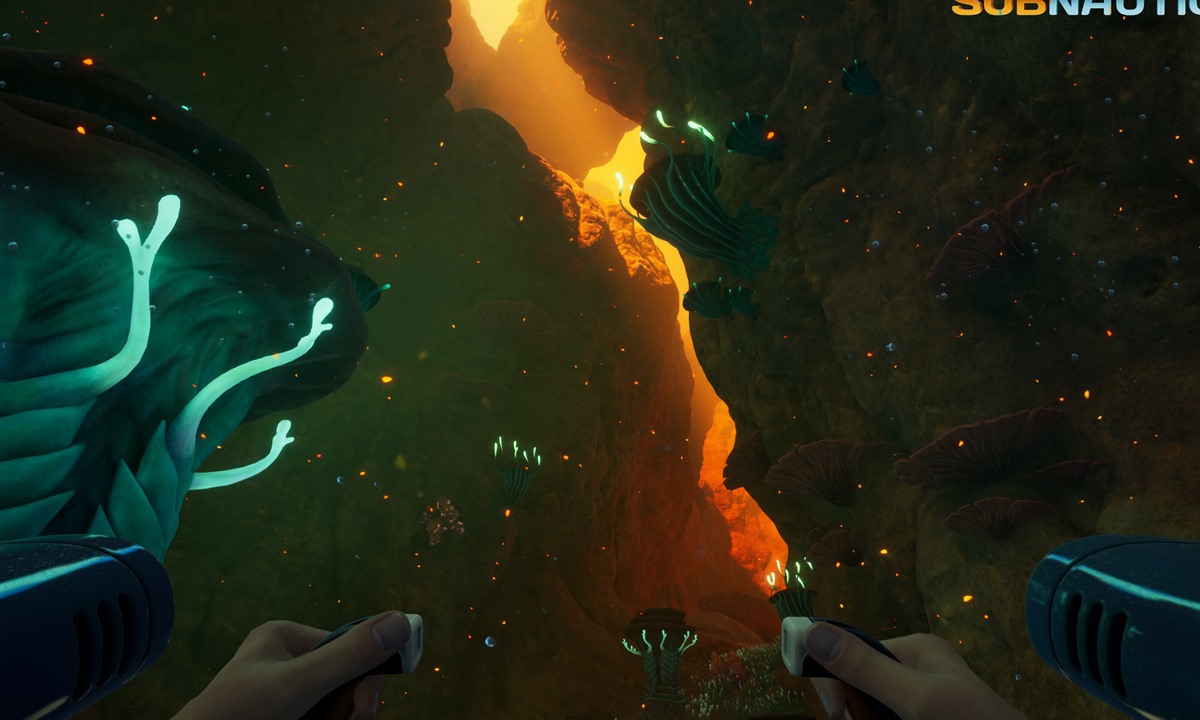
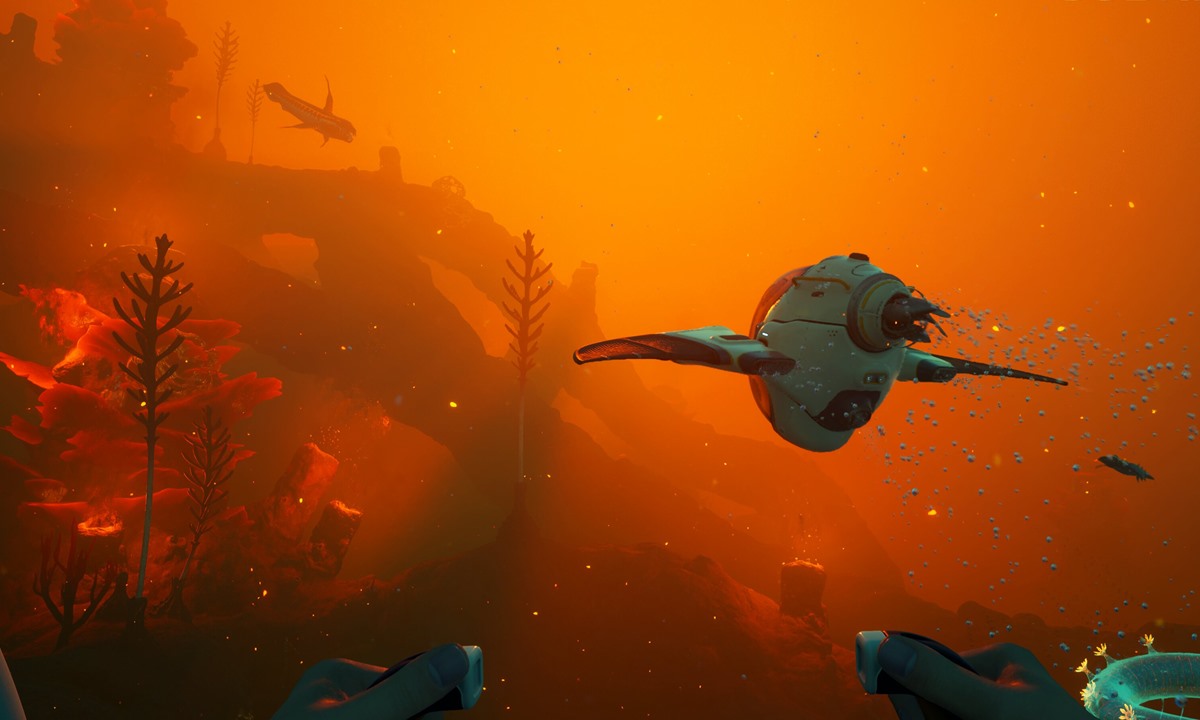
The best landmarks also support a useful reason to return here again.
Tie route memory to materials, scans, or base value so every landmark has a practical purpose.
Open Titanium guideNavigation habits that prevent panic
- Look back after entering a new zone so the return view is familiar.
- Do not chase one material if it breaks your landmark chain.
- Use short loops until you can describe the route without looking around.
- Connect landmarks to practical goals: materials, scans, base placement, or safety.
Use this quick landmark test
| Check | Ask yourself | Good sign | Bad sign |
|---|---|---|---|
| Before leaving | What gets me back home if I turn around fast? | You can name one obvious return cue immediately. | You are relying on vague direction or memory alone. |
| Mid-route | What tells me this is still the same route? | The midpoint landmark is still visible and distinctive. | The route already feels like several similar spaces. |
| Before pushing deeper | What landmark marks the end of this trip? | You know what the final marker is and why it matters. | You are just swimming until pressure decides for you. |
After one landmark route
A navigation run should produce a repeatable memory, not just a lucky return. Review the route before expanding it on the next swim.
| Return result | What it means | Next adjustment | Do not |
|---|---|---|---|
| You recognized the reverse view immediately | The route is ready to repeat. | Add only one small branch next time. | Turn one good route into three new objectives. |
| You returned by guessing direction | The route worked, but the landmark chain did not. | Shorten to the last cue you can name. | Push deeper because the return succeeded once. |
| The midpoint looked different under pressure | Your cue is too subtle for real route stress. | Choose a larger terrain shape or color shift. | Rely on tiny details that vanish when oxygen drops. |
| The route helped a material or base decision | The landmark now has a practical purpose. | Tie it to a repeat material, scan, or base loop. | Memorize landmarks that never support progress. |
August 16 update: keep only landmarks that work on the return path.
A landmark is not useful just because it looks memorable while swimming out. It has to help when oxygen is lower, visibility is different, and the route is being read in reverse.
| Landmark test | Keep it if | Replace it if | Next use |
|---|---|---|---|
| Reverse view | You recognize it immediately while coming home. | It only makes sense from the outbound angle. | Use it as the return anchor for the loop. |
| Pressure test | It stays obvious when oxygen is lower or creature pressure rises. | It is too small, subtle, or similar to nearby terrain. | Pair it with a larger shape, color shift, or route edge. |
| Purpose test | It points to a material, scan, base route, or turn-back decision. | It is memorable but does not support progress. | Attach it to one practical route job. |
| Next-session test | You can remember it after stepping away from the save. | You need fresh memory from the last swim to make it work. | Keep the route shorter until the cue becomes automatic. |
July 31 landmark memory test
This page now uses a stricter player test: a landmark only counts if it helps on the return view, under oxygen pressure, and on the next session after the player has stepped away from the save.
- Name the forward cue and the return cue before adding a new branch.
- Reject tiny landmarks that disappear when lighting, danger, or oxygen pressure changes.
- Keep a landmark only if it supports a material route, base route, or safe turn-back point.
Next route map
Choose the next page by what stronger landmarks should help you do next.
If you want one wider route
Best early biome route
If landmarks are helping, turn several safe cues into one repeatable loop.
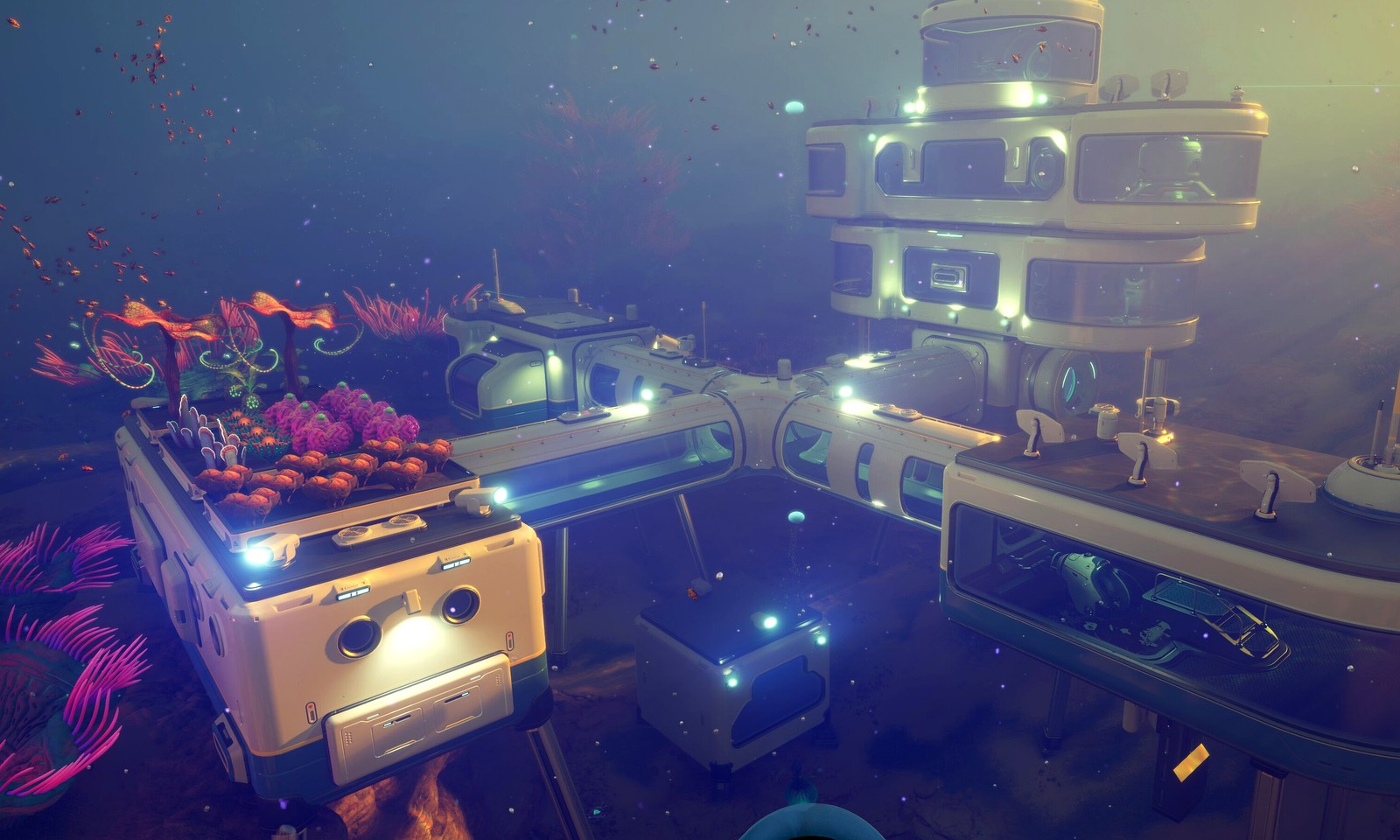
If a home anchor is next
Best first base location
Once route memory is reliable, choose a base site around the loops you trust.

If you still overstay routes
Should you keep exploring or go home?
If the landmark chain exists but runs still overstay, tighten the turn-back rule.
Navigation review
A landmark is useful only if it works on the way home.
Landmarks should reduce panic, not decorate the route description. Before committing to a longer swim, pick one outbound landmark, one return landmark, and one point where the route becomes too risky to keep pushing.
Good landmark
Visible from more than one angle and easy to describe quickly.
Weak landmark
Only recognizable after the player is already lost or too deep.
Leave for map
If the route needs more than two cues, simplify it in the map hub first.
When the return cue is reliable, move to the route, resource, or danger page that owns the actual objective.
If the cue fails twice, do not memorize harder. Pick a clearer edge, shorten the swim, or return to the map page before risking another batch.
Reliable navigation should feel boring on the return trip, even under pressure and low oxygen.