Contact
Make it easy for readers, partners, and editors to reach the site.
Found a route that no longer works, a missing step, or a page that
needs a clearer explanation? Use the path below that matches your
message so it reaches the right part of the site team.
Reviewed Wednesday, September 2, 2026
Correction path open
Business email separated
Public policy links live
Guide corrections
Use this for outdated steps, wrong route advice, patch changes, or pages that no longer match what happens in a live run.
editor@subnautica2.top
Guide pages now open a prefilled correction note, so readers can send the page URL, changed section, and patch context with one click.
Partnerships
Reserve this contact path for sponsorships, affiliate opportunities, and game-related promotional inquiries.
partners@subnautica2.top
Fastest way to get a useful reply
Include the guide URL, what changed, the build or patch context, and one screenshot if the issue is about a route, resource, or co-op system.
Current review focus
On the next check, opening flow, material timing, route safety, repeated media, and co-op progress are the most useful reports to send first.
Editorial policy
If you want to know how guides are reviewed, what the site refuses to publish, and how correction reports are handled, read the public editorial policy first.
Open editorial policy
Originality or media concern
Use the editor mailbox if a page looks copied, thin, visually misleading, or unclear about image ownership.
Report originality or media issue
Who reads which mailbox
Use the shortest path for the kind of message you have.
| Message type |
Best path |
Why this path is fastest |
| Stale guide, wrong route, patch mismatch |
editor@subnautica2.top |
Direct correction messages can be matched to one page and one changed detail immediately. |
| Marker, coordinates, map proof, danger-edge evidence |
Map proof format |
Map reports move faster when the proof pack matches the format the site already verifies. |
| Missing guide idea or visual improvement |
Contribute |
Suggestion pages are easier to plan when they start from the player problem instead of a loose email note. |
| Sponsorship, affiliate, campaign, business outreach |
partners@subnautica2.top |
Business requests stay separate so guide corrections do not get buried under commercial messages. |
What happens after you send a correction
How corrections are handled.
1
Match the report to one page
The first job is to tie the message to one exact guide, route card, or tool page so the fix is not spread across unrelated topics.
2
Check if it is a patch-risk issue
Route safety, resource loops, dangerous zones, and multiplayer rules get bumped higher because they go stale faster than evergreen basics.
3
Retest or re-label the page
If the page cannot be fully confirmed yet, the safer move is to tighten the warning or trust boundary instead of pretending certainty.
4
Push the fix back into the guide path
The goal is not only to patch one sentence, but to keep the next-step links and surrounding route guidance honest too.
Real report examples
These are the kinds of in-game situations that make the fastest correction reports.
Contact pages feel more trustworthy when they show what a useful
report actually looks like. These scenes match the kinds of issues
players most often need to flag.
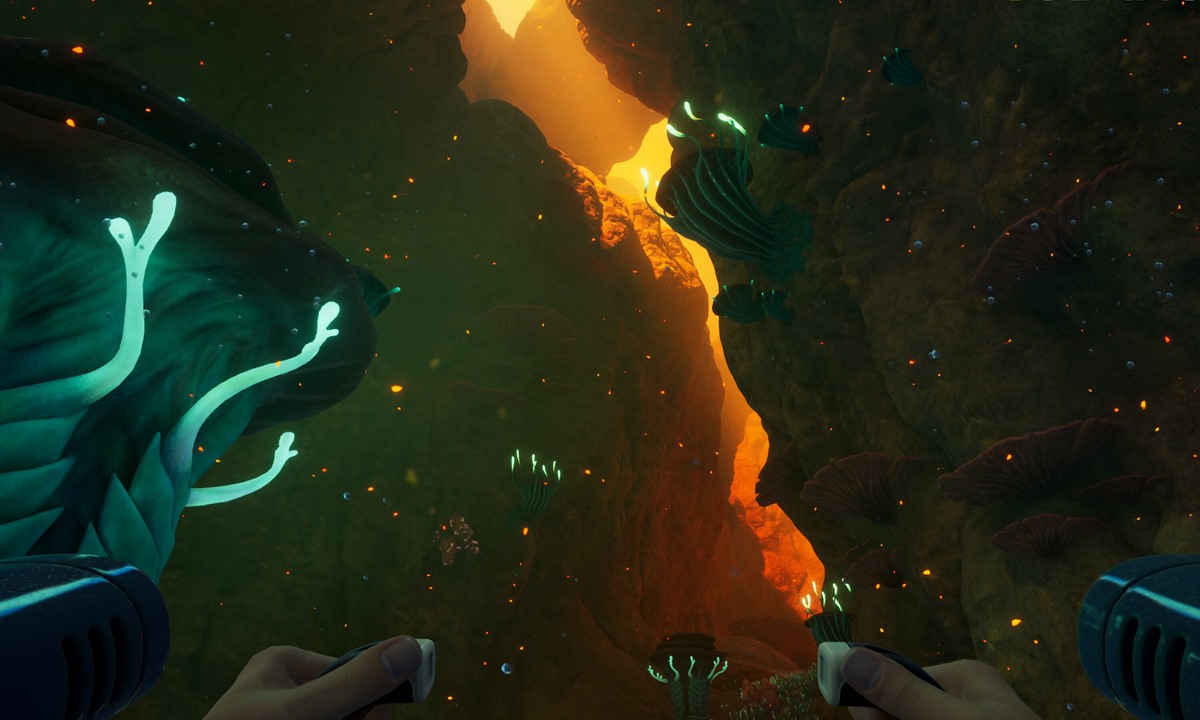
Route mismatch
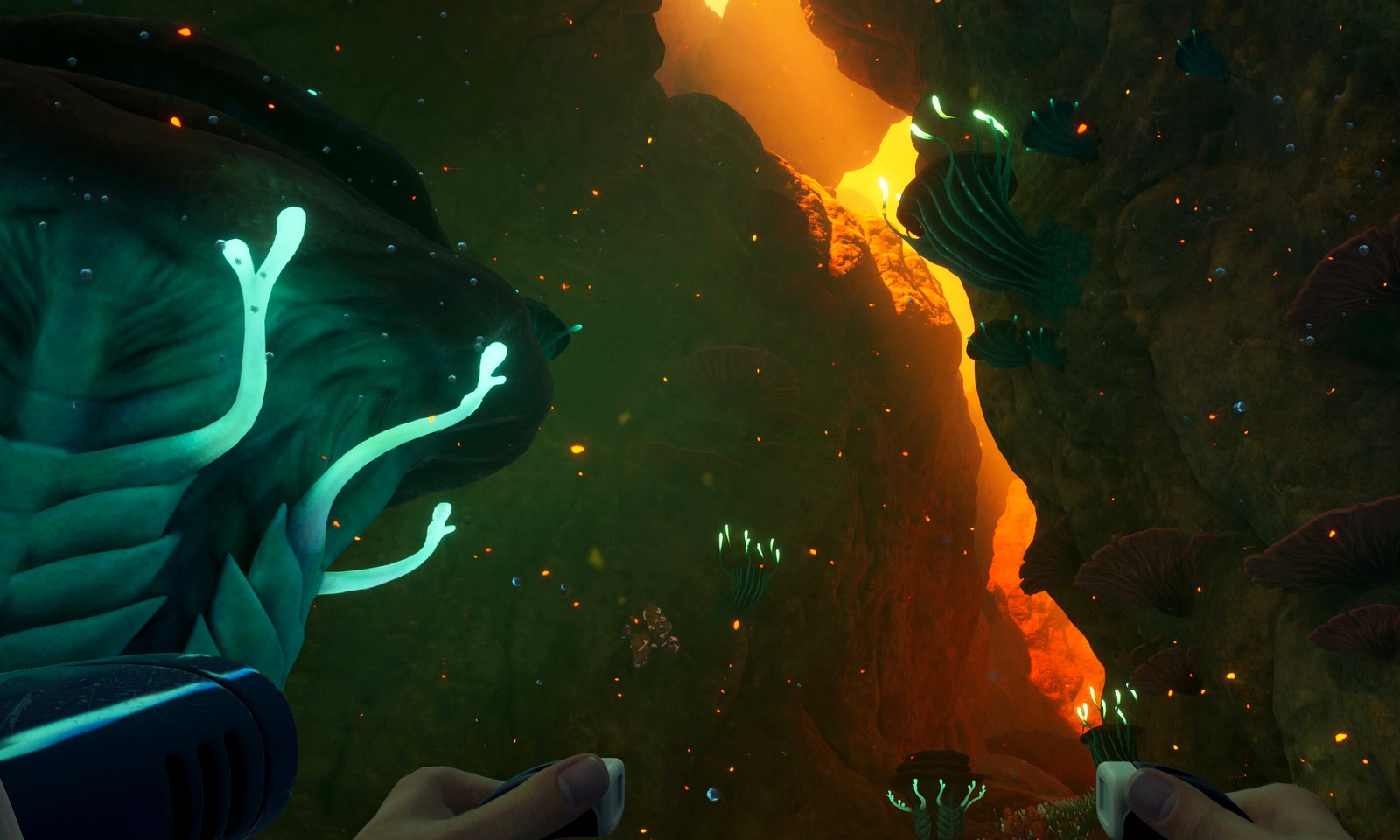
A route guide should be reported when landmarks or safety cues no longer match the run.
The best message includes the guide URL, what changed in the biome or return path, and one screenshot that proves the difference.
Check update-sensitive pages
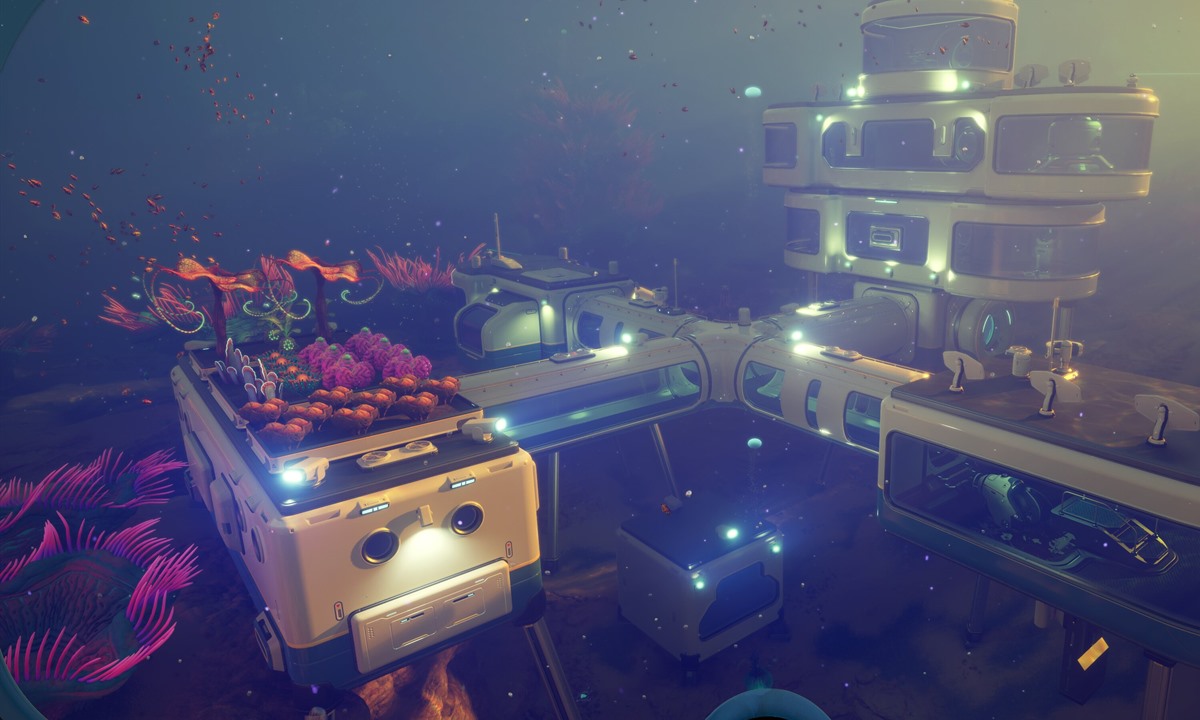
System mismatch
Material loops and build timing need reports when the batch value no longer matches the payoff.
This is where one screenshot, one changed recipe or timing note, and one practical consequence usually lead to the cleanest fix.
Open resource hub
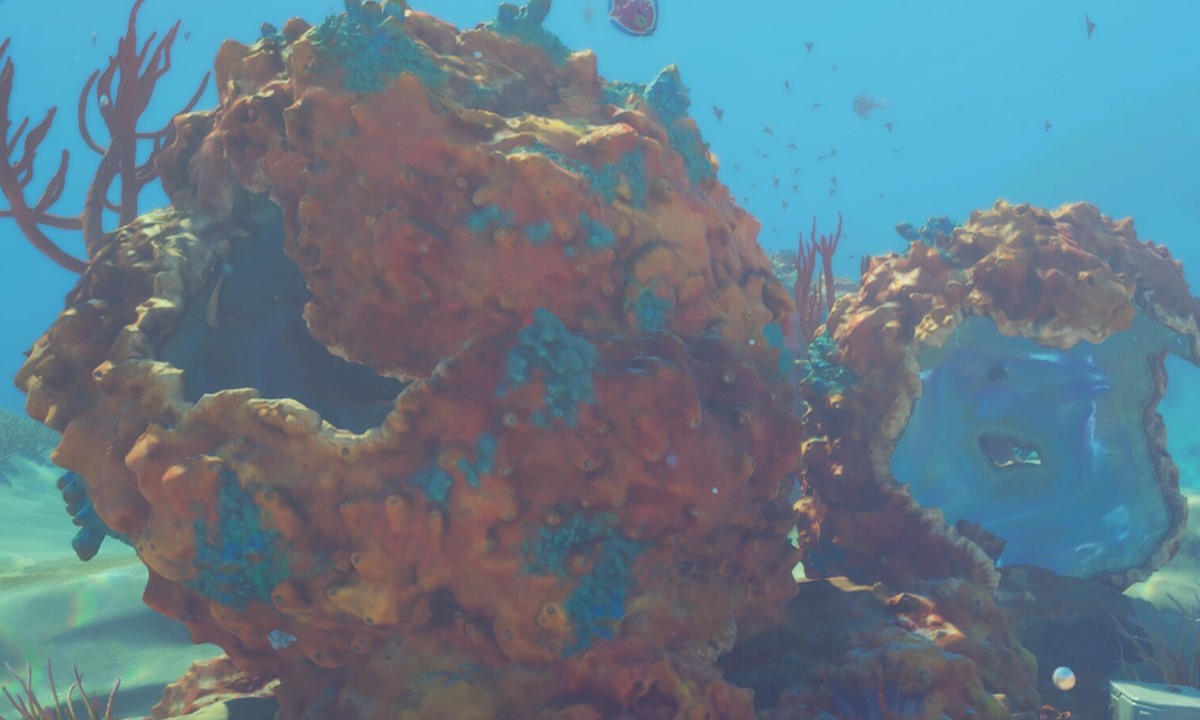
Co-op mismatch
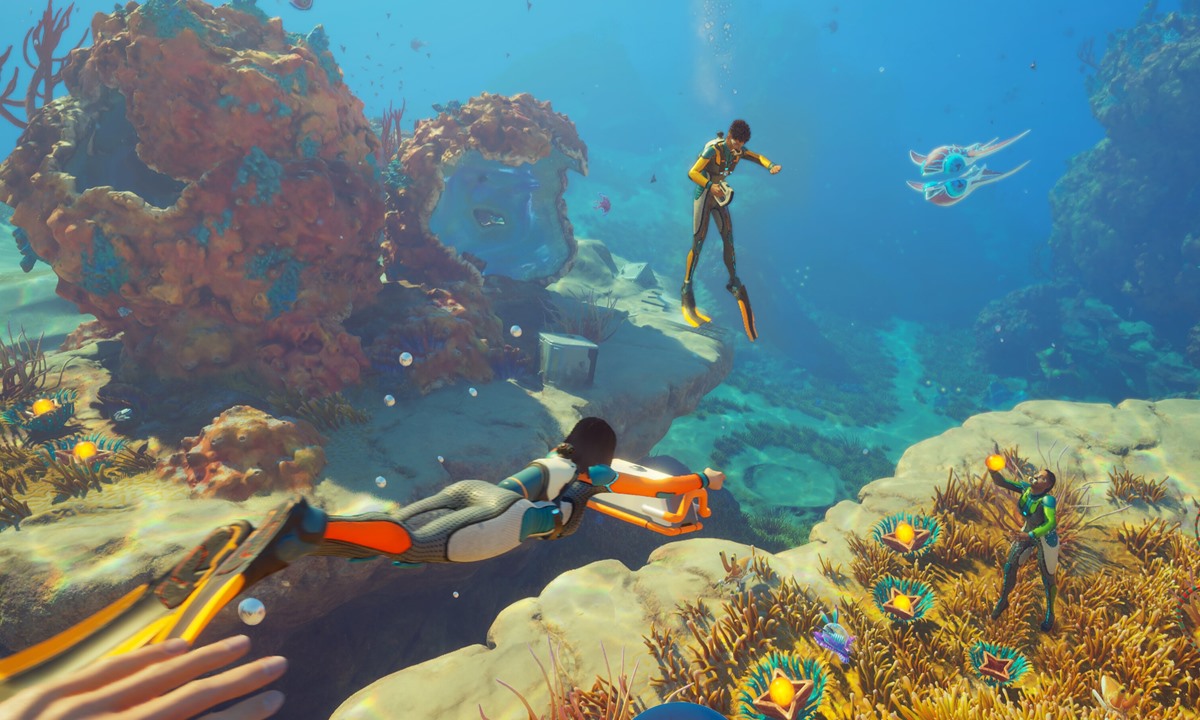
Co-op reports are strongest when the team can name exactly what failed: host logic, saves, or role flow.
A multiplayer correction becomes much easier to act on when it includes one session problem instead of a broad complaint about co-op.
Open co-op update pages
Map proof submissions
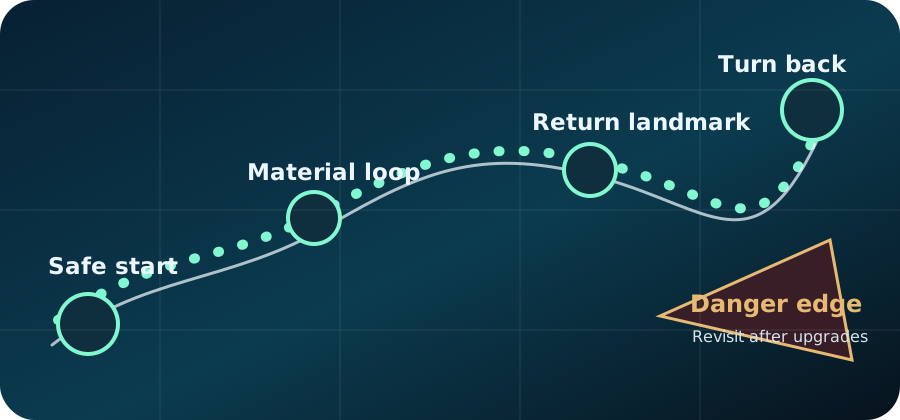
Use this format when sending route coordinates or screenshots.
The map section improves fastest when submissions include the exact
proof pack the site already asks for: one clear route purpose, full
coordinates, depth, version context, and the screenshots that prove
the route from the same run.
What helps most
What to avoid
| Marker type |
Best proof |
Why it matters |
| Safe return loop |
Start point, return landmark, and turnaround screenshot from one run. |
Helps players trust early route safety instead of guessing the way home. |
| Early material loop |
Material cluster shot plus safe banking or retreat cue. |
Shows that the route solves a real farming need, not just map trivia. |
| Landmark anchor |
Outward-facing and return-facing screenshots of the same landmark. |
Makes navigation guidance more trustworthy even before a full coordinate map exists. |
| Danger edge |
Warning shot from a safe distance plus retreat direction screenshot. |
Prevents risky map advice from looking more certain than it is. |
Fast map proof note
Marker or route name
Guide URL or map section
X / Y / Z coordinate
Depth
Game version or update date
What the route solves for players
Screenshot 1: route or target proof
Screenshot 2: return, safety, or retreat proof
Visual correction examples
Send corrections with route, resource, or co-op context when possible.
The fastest fixes are tied to something visible: a route that no longer
works, a material loop that changed, or a co-op assumption that broke
after an update.
Before you send
Include enough context for a fast fix or reply
What happens next
How the message is handled
Complete reports move into the next check
Reports with a page, changed detail, and context are easier to check than broad site-wide complaints.
Safety and progression issues move first
Route danger, lost progress, and broken next steps can affect a run, so they receive earlier attention.
Missing details may need a follow-up
If the report has no page, version, or proof context, it may take longer to verify.
Correction Policy
What makes a correction request easiest to verify
- Include the exact guide URL and the specific section that looks wrong.
- Describe whether the issue affects map safety, unlock steps, co-op rules, or material routes.
- Note the game version or patch context if the problem appeared after an update.
What To Send
The fastest correction format
- Page name or URL
- What the guide currently says
- What happened in your run instead
- Any useful route detail, biome, marker, or co-op context
- For map proof, include coordinates, depth, version, and screenshots from the same run.
The shared guide feedback box can now prefill this note automatically and copy it for devices without mail configured.
Source Priority
What kind of evidence helps most
- Official posts, patch notes, trailers, or dev updates are best for confirmed feature and balance changes.
- Clear in-game observations are best for route safety, material availability, and creature-pressure corrections.
- Co-op reports should mention who hosted, whether the session was fresh or continued, and what progress did or did not persist.
Editorial Boundary
Corrections stay separate from promotions
- Guide fixes are reviewed for reader usefulness before any commercial consideration.
- Partnership or sponsor messages should use the commercial contact path, not correction requests.
- Any future paid placement should be clearly disclosed and kept away from quick-answer guidance.
Useful Requests
Messages most likely to improve the site quickly
- A route changed after an update and now sends players somewhere inefficient.
- A guide is missing the next practical step after answering the main question.
- Readers keep asking the same unanswered question in search or social comments.
What Helps Most Right Now
The most valuable reports are still the practical ones
- Reports tied to one blocker are easier to fix than broad "the whole page feels off" feedback.
- Patch context matters more than guesswork when the problem is route, resource, or co-op related.
- One screenshot with one clear note often helps more than a long explanation with no proof.
Contact help
What a good message should include before it leaves your inbox.
Contact works best when the message is narrow: one page, one issue, one proof note, and one reason the page should change. That keeps corrections from getting buried under general comments.
Quick answer
- Use editor mail for corrections and proof.
- Use partner mail for business requests.
- Use the page URL and context to help the fix land faster.
Common mistakes
- Sending one message for several unrelated pages.
- Leaving out the section that actually needs attention.
- Mixing commercial requests with correction reports.
Next move