Materials Center
Use this when the named topic is Titanium, Copper, Quartz, or rare-material value.
Wiki-style database
This database hub turns broad Subnautica wiki searches into a clear next click: resources, crafting, map routes, biomes, bases, vehicles, co-op systems, update checks, or practical guide paths.
Open the database when you already know the subject, like Titanium, Scanner Room, base power, landmarks, host rules, or Early Access status. If you need a checklist, route planner, or task-first helper, use Tools. If you need official post order or patch impact, use News.



Column boundary
This page should prevent broad wiki-style searches from landing on a thin directory. Use it when the topic is already known, then leave through the shelf that turns the name into a route, craft, system, co-op, or update decision.
| Known topic | Best database shelf | When to use Tools instead |
|---|---|---|
| Material, recipe, or farming payoff | Materials Database | You need a checklist or session plan, not an item lookup. |
| Scanner, storage, power, vehicle, or upgrade | Systems Database | You are choosing the next upgrade order. |
| Biome, landmark, danger edge, or route | Biomes Database | You need a live go/no-go route planner. |
| Host, shared progress, or co-op role | Co-op Database | The team needs a first-session workflow. |
Intent router
The database should behave like a clean shelf of named topics. Use it after the subject is clear, not while the session is still too vague to diagnose.
| Player search | Use this lane | Why it helps | Best first click |
|---|---|---|---|
| Subnautica wiki / subnatica | Known-topic lookup | Search broad terms only after the topic is named. | Guide Library |
| resource, material, recipe, Titanium, Copper | Resources | Turns an item name into a useful farming or crafting decision. | Resource Database |
| map, biome, danger, route, landmark | Map | Helps with route shape, safety checks, and stop rules. | Map hub |
| base, vehicle, scanner, storage, upgrade | Systems | Moves the player from parts and modules into build order. | Vehicles & Bases |
| co-op, multiplayer, host, shared progress | Co-op | Prevents duplicated work by separating host, scout, builder, and route roles. | Co-op Center |
| when does Subnautica 2 come out / Early Access | Release status | Answers status first, then sends active players into current guides. | Early Access status |
Use this when the named topic is Titanium, Copper, Quartz, or rare-material value.
Use this when the named topic is first-base timing, location, build order, or home-loop cleanup.
Use this when the named topic is vehicle timing, travel range, depth support, or upgrade order.
Use this when the named topic is creature pressure, danger zones, or safer route reads.
Use this when the topic is known, but the route itself still needs one safer first decision.
Use this when the topic is base timing or layout, but you still need the shortest build decision path.
Use this when the topic is system priority, but several upgrades still feel equally tempting.
Use this when the topic is a region or route type and you want the filtered map layer first.
Use this shelf when the item name is known and the question is route value, use case, or next spend.
Use this shelf when the system name is known and the question is value, timing, or upgrade order.
Use this shelf when the route question is really about biome type, safer zones, or danger edges.
Use this shelf when the base topic is named and the question is timing, location, build order, or cleanup.
Use this shelf when the vehicle topic is named and the question is range, depth, or upgrade timing.
Use this shelf when the team topic is named and the question is roles, host rules, or shared progress.
Database shelves
Use this when the run still fails before bigger systems matter.
Use this when a named item is blocking the next useful upgrade.
Use this when the issue is movement, route memory, or risk control.
Use this when inventory is no longer the only blocker and systems need order.
Use this when the problem is coordination instead of one item or route.
Use this when the question is whether older advice is still safe to trust or whether a status claim needs official confirmation first.
Use for named items, systems, routes, and mechanics once the subject is clear enough to file under one shelf.
Use for session planning, checklists, route helpers, and task-first choices when the player knows the job more than the page title.
Use for official post order, patch impact, freshness checks, and visible site maintenance after updates.
Use for release status, launch-date wording, Subnautica 2.0 phrasing, and broad search-intent handoffs.
Popular database entries
These entries are chosen because they match common player blockers, not because they fill a long encyclopedia page.

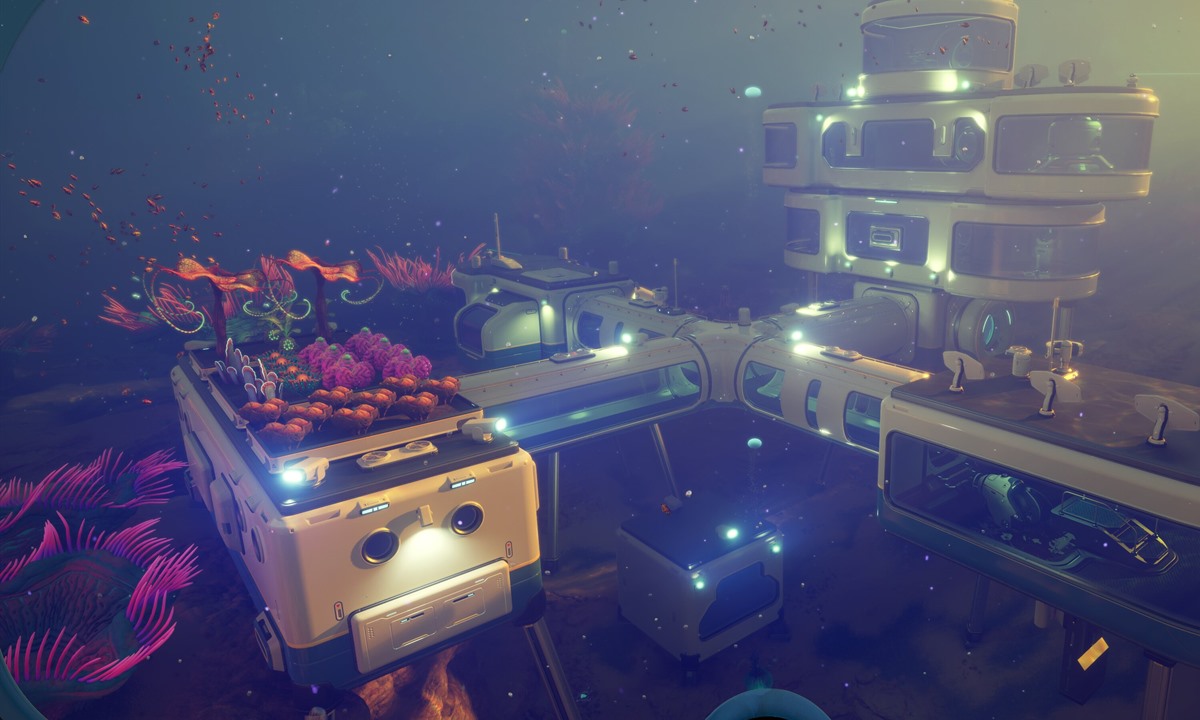


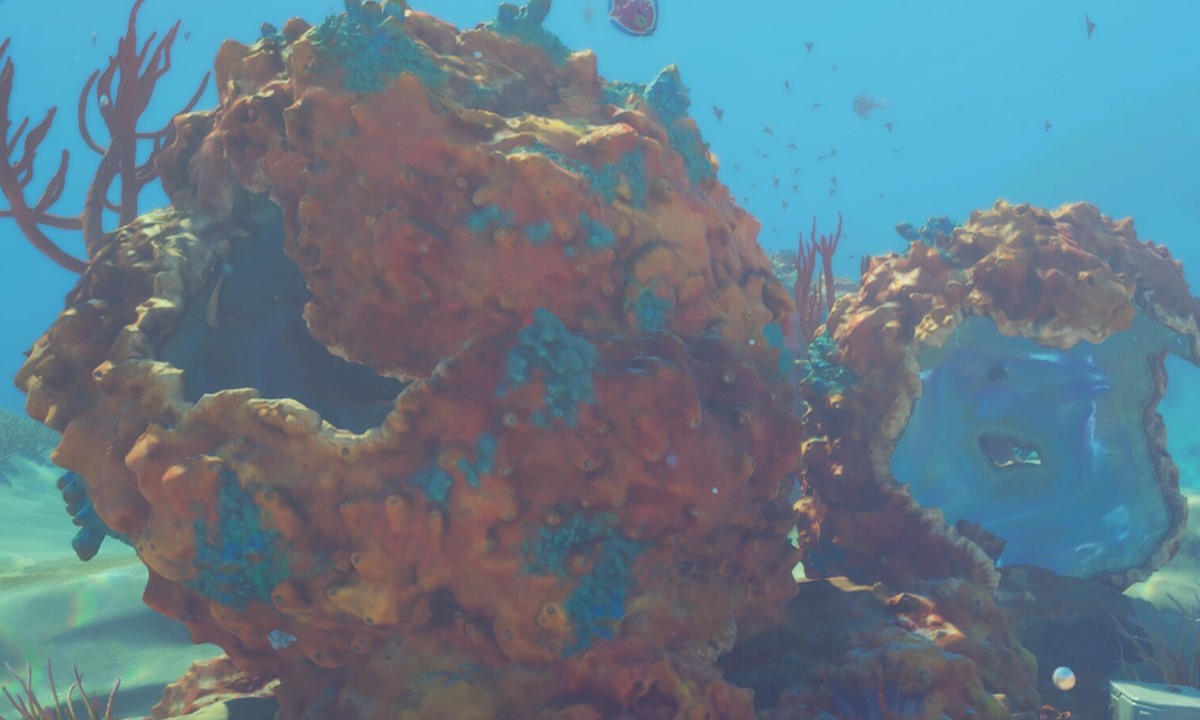
Shelf expansion
Lookup depth
Database pages should not trap readers in broad browsing. When a player already knows the topic name, this hub should decide whether they need a route, a craft decision, a safety check, or a trust note.
| Known topic | Reader probably needs | Send them to | Why this avoids thin lookup content |
|---|---|---|---|
| Titanium, Copper, Quartz, Glass | Payoff, route safety, and when to stop farming. | Materials Database | The answer connects the item to a craft, not just a definition. |
| Scanner, storage, power, vehicle support | Timing and upgrade order. | Systems Database | The answer tells when the system pays off in the current save. |
| Safe biomes, landmarks, dangerous zones | Route proof and warning signs. | Biomes Database | The answer gives a route decision instead of vague map trivia. |
| Co-op roles, host rules, shared progress | Session setup and handoff rules. | Co-op Database | The answer prevents team confusion before it becomes lost progress. |
Editorial boundary
The database links to guide pages, tools, and official-status paths only. It does not host game files, unlockers, copied wiki pages, or unofficial downloads. Early Access facts should be checked against official sources before they are used to update practical advice.