Column success test
The Base Building Center has worked when the first base has a job: reset, storage, scanner support, or route staging.
Topic center
Use this center when the question is where to build, what to place first, and when the base is already functional enough to stop adding noise.
Open this page when you are ready to stop roaming and make the first base actually reduce travel, friction, or storage problems.
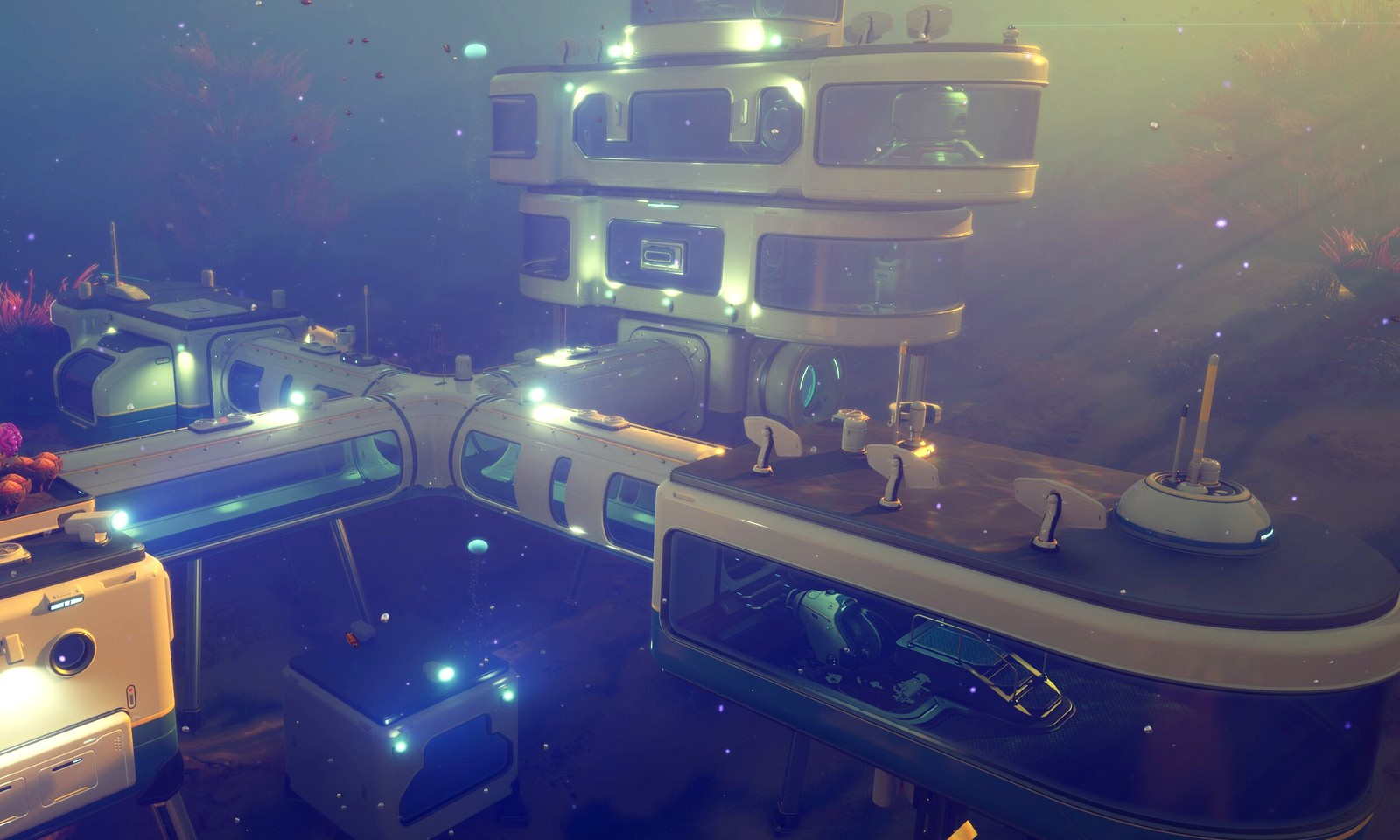
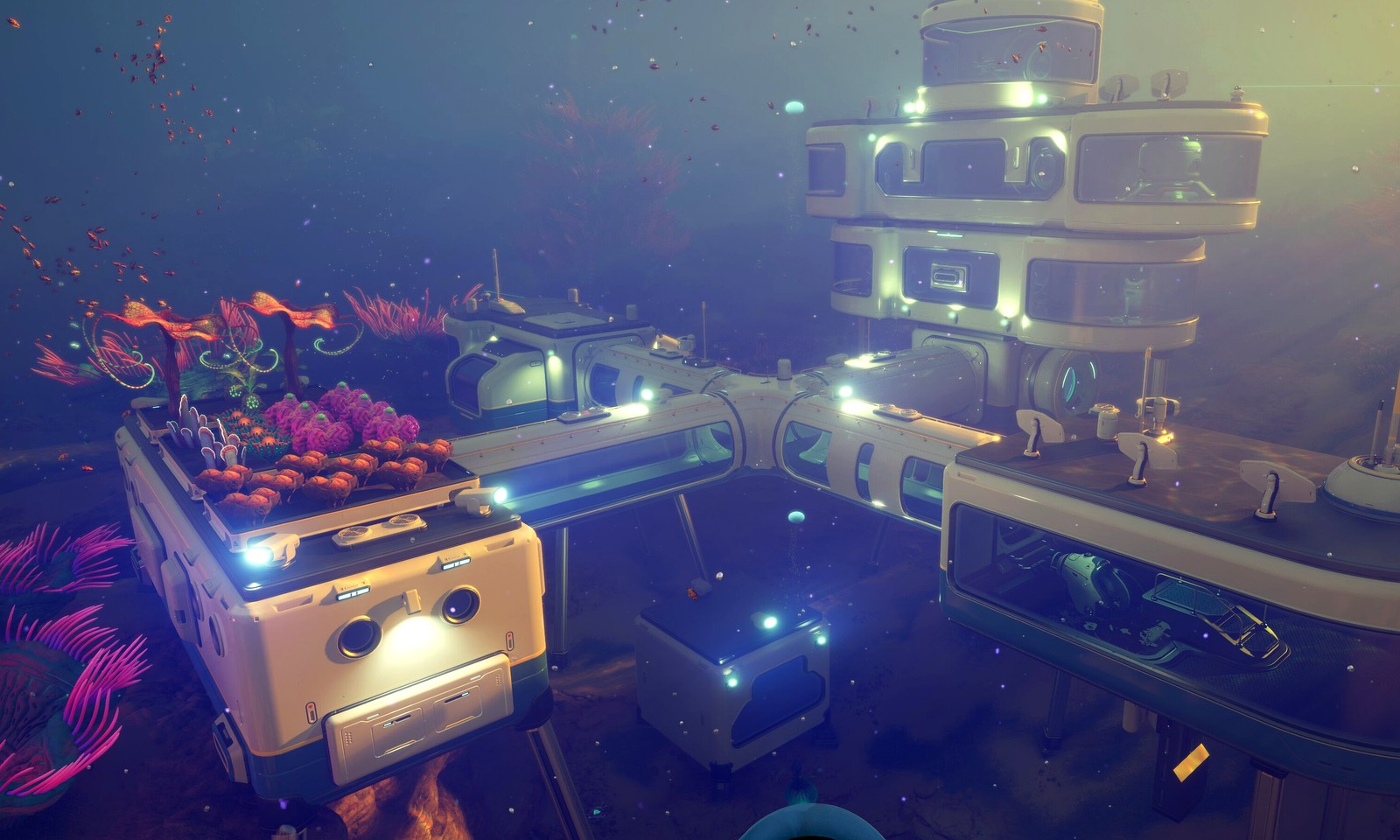

Column triage
The base column should stop players from building because a room looks exciting. It should identify whether the player needs a site, a build order, power, storage, or cleanup, then hand them to the narrowest page.
| Base problem | Open first | Leave this center when |
|---|---|---|
| You still do not know where the first base belongs. | First Base Location | The site passes a return, drop-off, and route-restart test. |
| You know the site but not the first rooms. | Build Order | Storage, power, and basic crafting have a clear order. |
| The base exists but still wastes time. | Messy Base Fix | The base makes the next trip shorter instead of busier. |
| The base cannot support scanners or expansion. | Base Power | Power demand and next system choice are both stable. |
The Base Building Center has worked when the first base has a job: reset, storage, scanner support, or route staging.
Pure material shortages, unknown map routes, or vehicle range problems. Those belong in Materials, Map, or Vehicles.
After the base job is known, open the exact location, build-order, power, or cleanup page.
Exit rule
The base hub should stop players from building a pretty but useless home too early. A base is ready to leave this hub when it answers one practical question: does it make the next route safer, shorten material drop-off, support scanner work, or organize the next craft?
If the site passes the return test, go to the exact build-order or power page. If the site fails because the route is unknown, leave for Map. If the missing piece is a material batch, leave for Materials. Do not keep adding rooms until the current base job is doing measurable work.
Pick a workable site first, then add only the pieces that reduce travel, panic, or storage friction.
Use this center when the base is the next clear improvement and not just a visual project.
If the real blocker is still ore or crafting cost, go back to the Materials Center first.
Answer-first workflow
If a site does not improve return safety, material drop-off, scanner access, or route staging, it is probably decoration too early.
Pick the route-saving location first, add storage and power before comfort pieces, then expand only when the next route or scanner decision needs it.
Material shortages belong in Resources. Distance problems may belong in Vehicles. Patch-sensitive building behavior belongs in Updates.
Build order table
| Player symptom | Likely answer | Delay if | Next page |
|---|---|---|---|
| You keep swimming back to the pod | Build closer to the route that repeats most often. | You still cannot safely repeat the route. | First base location |
| The base exists but feels useless | Storage, power, and core utility are probably out of order. | The material batch is still missing. | First base build order |
| Everything is scattered | Fix layout and storage before expanding more rooms. | A vehicle or map route is actually the blocker. | Messy first base fix |
Build lanes
Use these pages when location and route return pressure matter more than layout details.
If the base already exists, the next step is usually flow, not decoration.
Use this when the first build works and the next problem is cleanup, storage, or the next route goal.
Base map
Pick the site that shortens routes and makes repeat trips feel routine.
Place the pieces that actually remove friction before you add shape or style.
Check power and support flow when the base exists but still slows the run down.
Move from build mode to cleanup, storage, and the next useful route or scanner step.