Last full quality check
Wednesday, September 2, 2026: links, metadata, local assets, repeated media, trust pages, content depth, and support-room links were checked together.
Subnautica 2 Guide Hub
Start from the blocker you actually have, then open the shortest guide, map, database, or update path that solves it.
Problem-solving map
This homepage is organized around the question a player is trying to solve, not around a flat blog archive. Pick one row, open the first page, then move only if the blocker changes.
| Player problem | Open first | What the page should answer | Next step if solved |
|---|---|---|---|
| New save feels chaotic | First Hour | What to do first, what to skip, and when to return. | First tools |
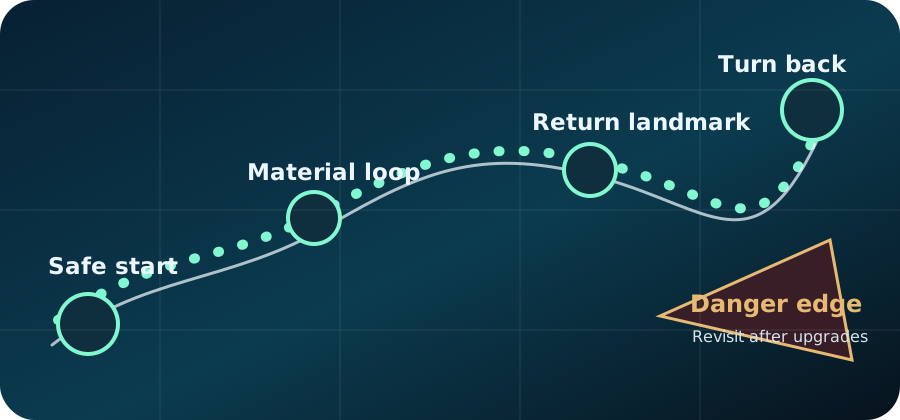
| Route is unsafe or confusing | Map Routes | Landmarks, danger edges, oxygen margin, and stop rules. | Danger zones |
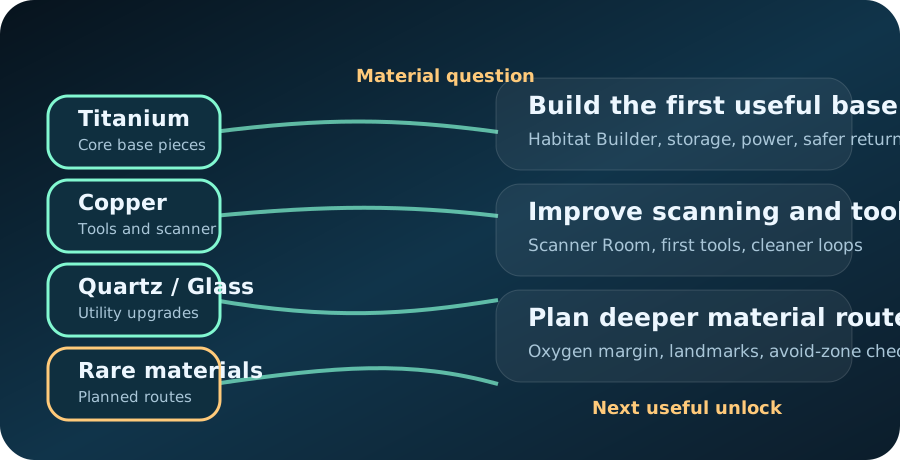
| One material blocks progress | Resources | Which batch matters, where to route, and what it unlocks. | Material priority |
| Base or vehicle timing is unclear | Base Building | Whether to build, what to place first, and what to delay. | Vehicles |
| Co-op players duplicate work | Co-op | Host expectations, role split, shared storage, and return calls. | Role split guide |
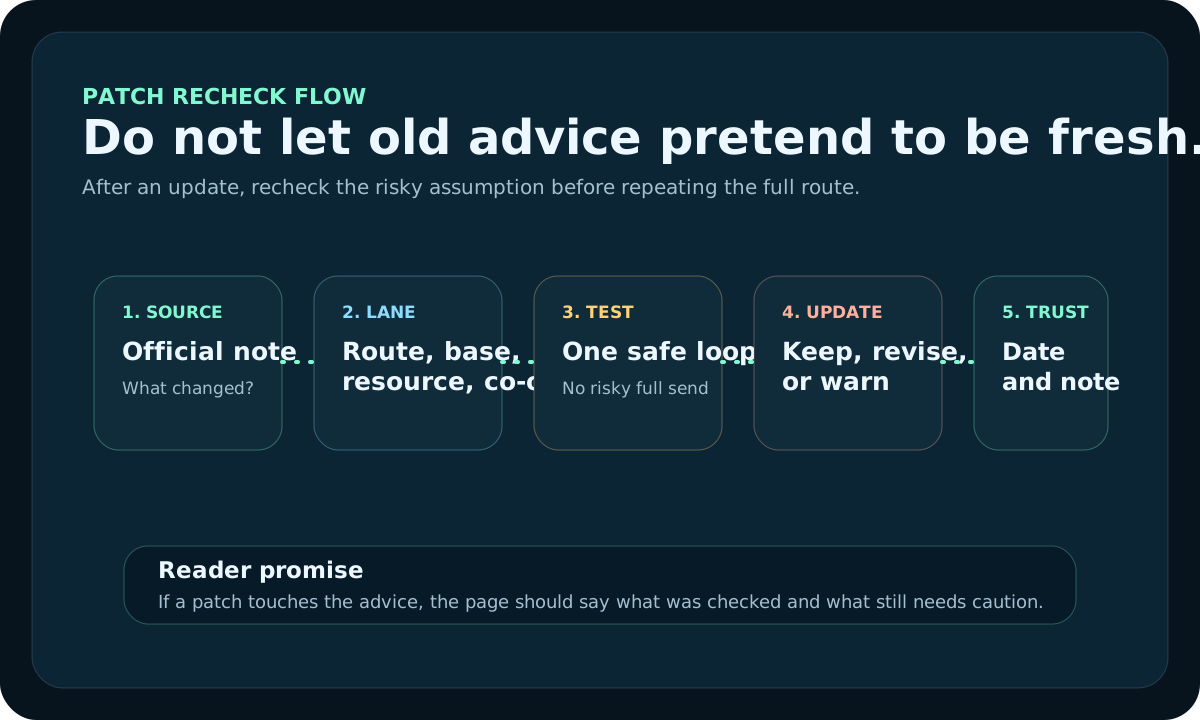
| Advice may be outdated | News | Which pages are patch-sensitive and what to re-check first. | Early Access desk |
Operating Desk
The homepage is the front desk, the Guides Hub is the route desk, category pages are lane desks, topic centers are specialist rooms, and Updates keeps the maintenance record visible. That structure helps returning readers understand what changed and helps new readers avoid a flat wall of articles.
| Site room | Reader job | Architecture role | Next click |
|---|---|---|---|
| Homepage | Diagnose the current player blocker. | Front desk for first clicks, search intent, and high-demand paths. | Use blocker tool |
| Guides Hub | Choose the right guide order. | Route desk for blocker-first reading paths instead of an archive duplicate. | Open Guides Hub |
| Category Lanes | Stay inside one problem lane. | Lane desks with starter pages, exit rules, trust cues, and recent guide flow. | Open categories |
| News and Trust | Check freshness, corrections, and policies. | Visible operating record for update cadence, reviews, and reader reports. | Open Updates |
By Save Stage
Start from the part of the run you are actually trying to improve.
Current site status
Wednesday, September 2, 2026: links, metadata, local assets, repeated media, trust pages, content depth, and support-room links were checked together.
Routes, resource loops, dangerous zones, and co-op progression should be rechecked first after game updates.
Automatic article publishing is paused while existing pages are audited for originality, practical depth, overlap, and reader value.
About, Contact, Privacy Policy, Editorial Policy, Media Policy, and Disclaimer all stay public for review and trust checks.
Use official status links and the affected-guide list before trusting older route or system advice.
Site rooms
Readers should hit the route hubs first, then drop into support, version notes, and directory pages only when needed.
Start here when a blocker needs one short route instead of an archive search.
Use this when the topic is known and the page should feel like a shelf, not a blog feed.
Use this when the current session needs a checklist, planner, or patch check.
Support rooms
See how the site structure and trust cues changed over time.
Decode broad search terms before choosing the right guide lane.
Open the full public directory when the main rooms are not enough.
Use this for reports, corrections, and contribution rules.
Use this for release status, launch timing, and search hand-offs.
Use this for patch-sensitive pages and the latest update checks.
Topic Centers
These centers make the site feel wider and more useful by grouping one topic deeply instead of sending readers back into the full article wall.
First-hour survival, oxygen, and early mistakes.
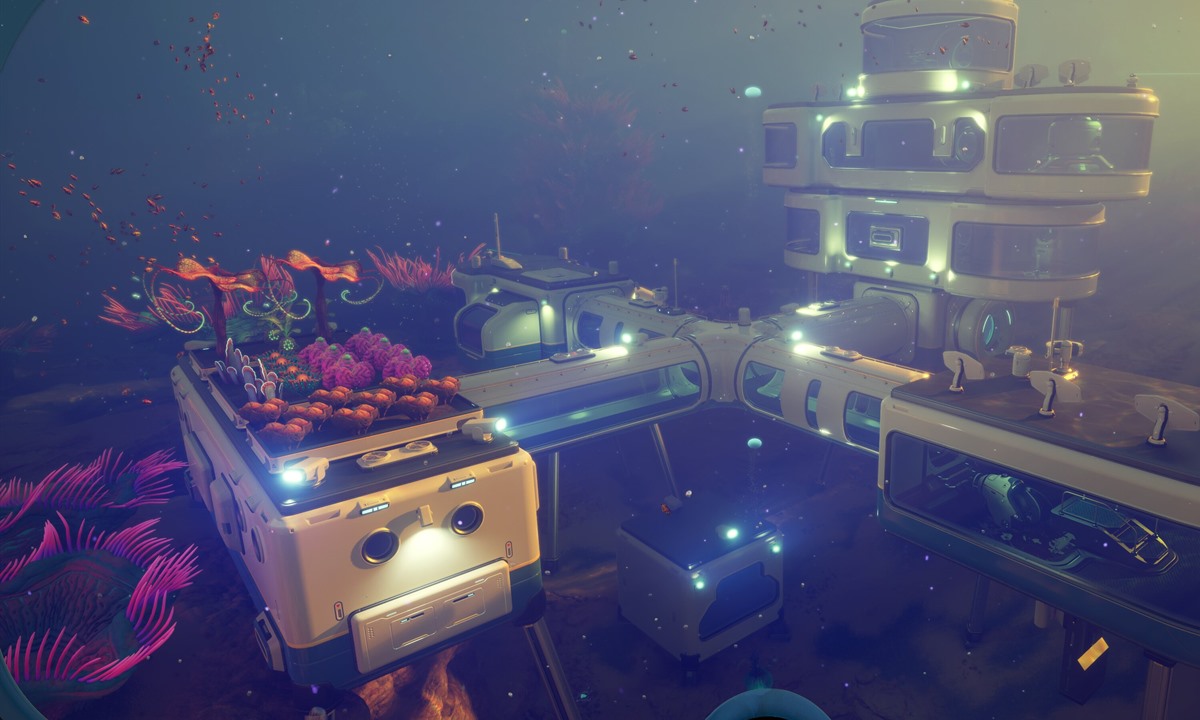
First base timing, layout, power, and cleanup.
Materials, blueprints, builder unlocks, and scanner timing.
Checklists, next steps, session resets, and stage planning.
Freshness checks, corrections, and support paths.
Titanium, Copper, Quartz, and rare-material runs that should turn into one clear next unlock.
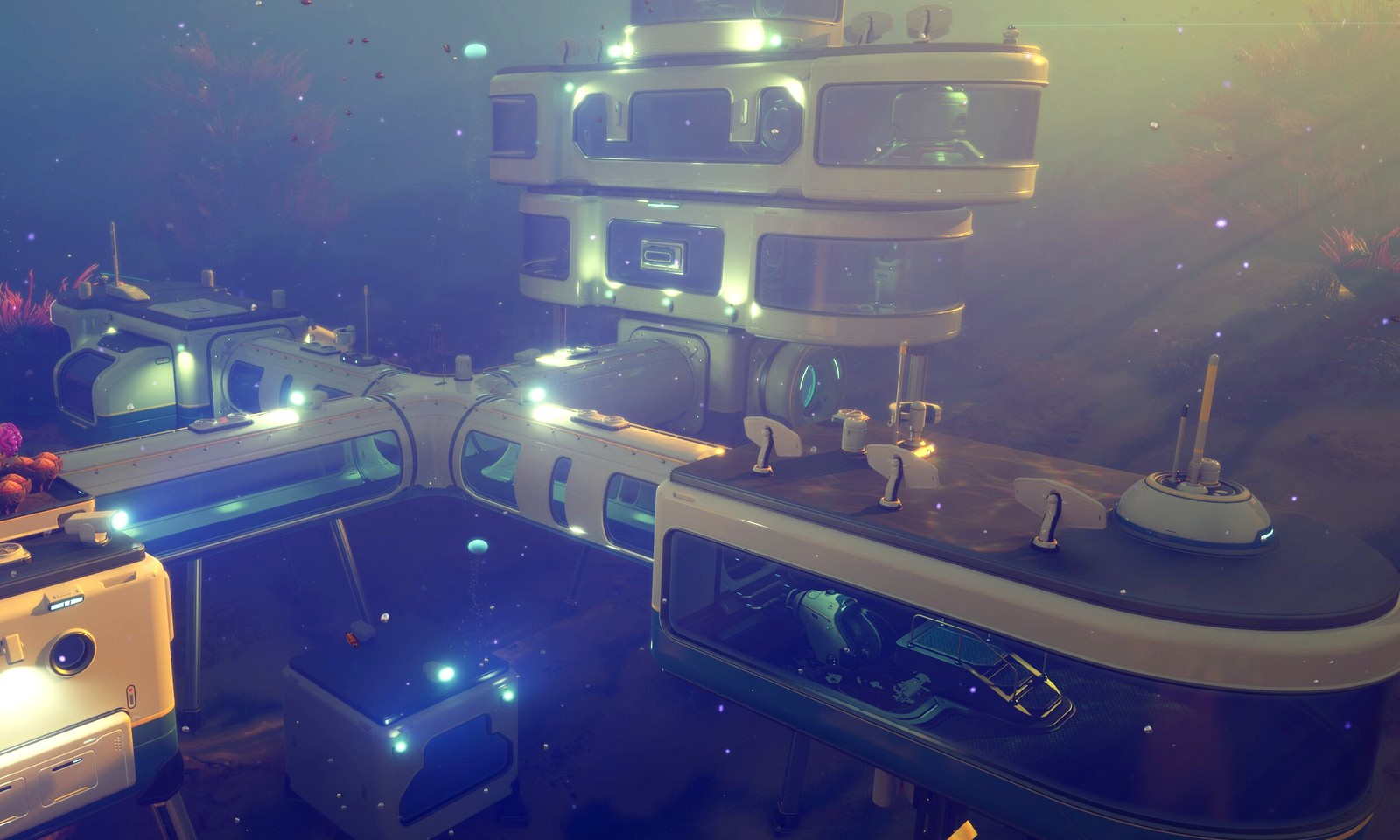
Location, build order, storage, and power questions gathered into one practical home-loop desk.
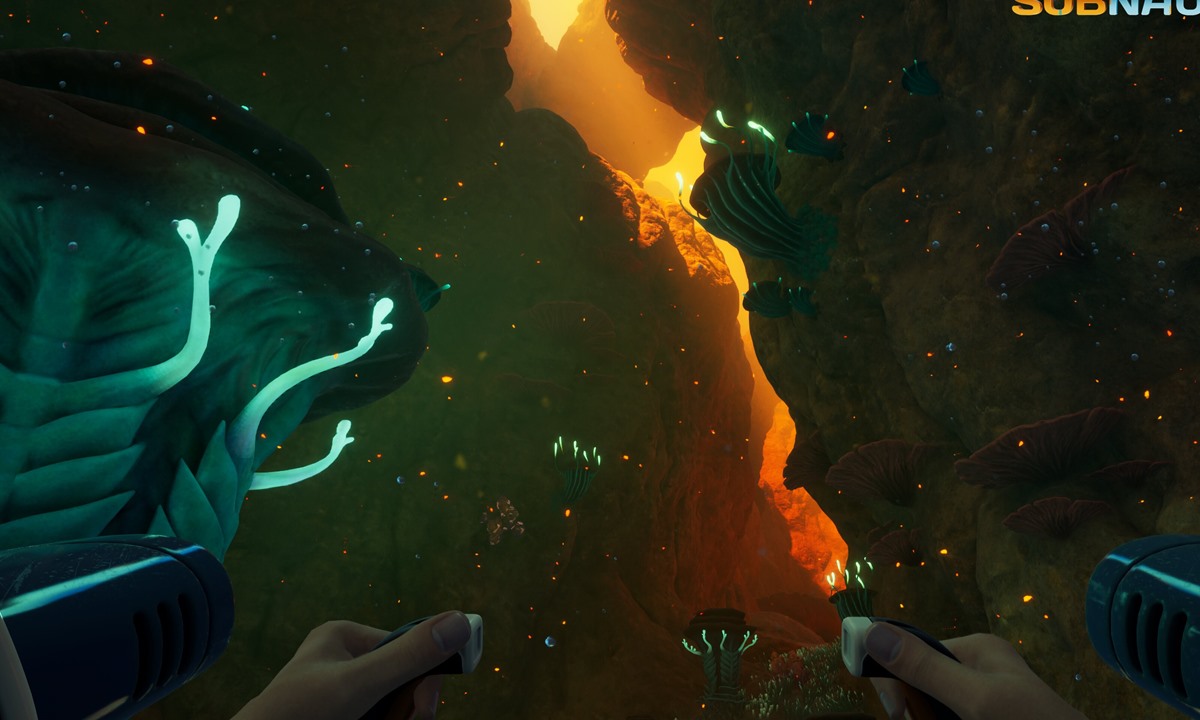
Travel range, depth support, and upgrade order for players whose routes are now bigger than their loadout.
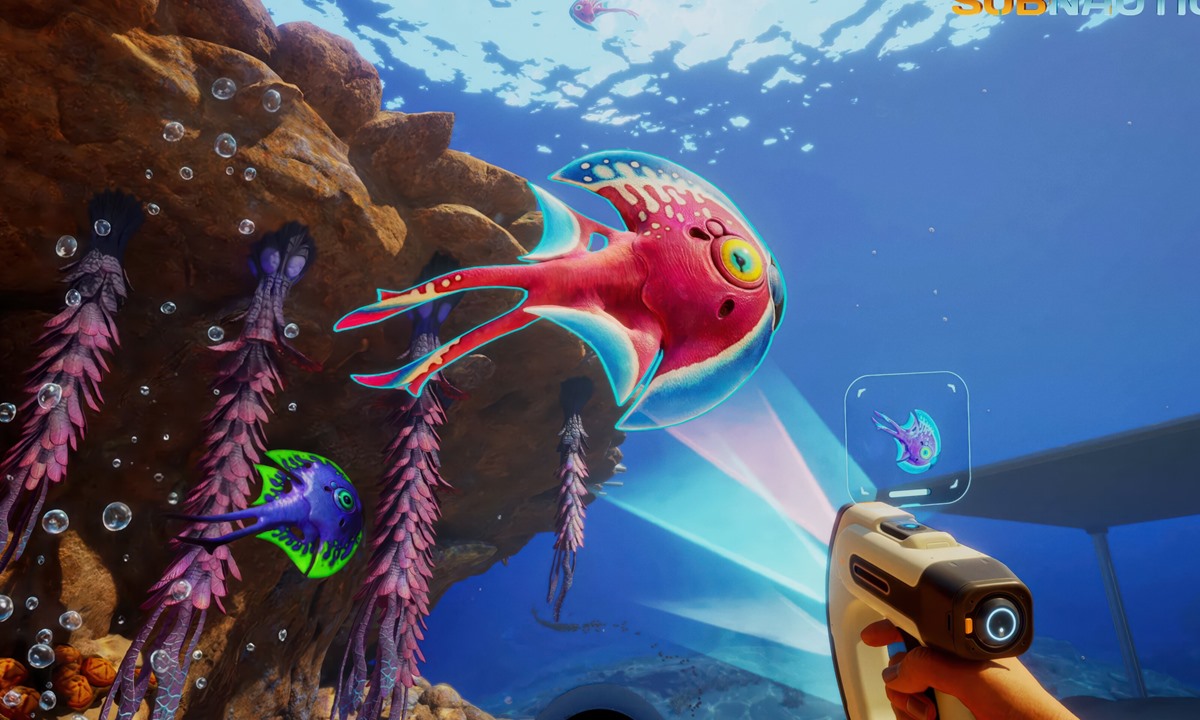
Threat reads, danger zones, and safer route choices when fear and visibility are the real blocker.
Choose Your Problem
Choose what is going wrong now and jump to the shortest useful guide chain.
Reference hubs
Use these when the task is clearer than the article title you need.
Common Questions
Use these when you can name the problem but still need the right answer page.
Use this when the blocker is real but still broad enough to need a quick answer card.
The stage is already obvious. Jump straight to the lane or tool above.
Guide Lanes
Each lane keeps closely related guides together and points to a practical next step.
Recent Updates
Recent maintenance focuses on the pages players open first: clearer visuals, less repeated media, and faster routes to the next useful guide.
Wednesday, September 2, 2026: the site structure was clarified around front desk, guide desk, category lanes, topic centers, and trust pages.
Tuesday, August 18, 2026: the homepage now sends visitors into fewer, clearer task paths instead of repeating the same entries in multiple blocks.
The archive now behaves more like a search shelf, while the homepage handles diagnosis and first-step routing.
During this audit, the team only merges, rewrites, verifies, or removes pages when the change adds clear value for players.
Route, resource, and co-op pages get checked before broader evergreen pages because readers rely on them mid-run.
The site map now behaves more like a support directory, so readers reach task hubs first instead of getting dropped into a flat page list.
First Hour, Material Priority, First Base Location, Dangerous Zones, Map, Resources, Database, Tools, and Updates now include stronger decision tables.
This week's maintenance desk
Co-op now has its own center page for host rules, first-session roles, shared progress, and update-sensitive team flow.
The opening route remains a high-use page because it decides whether new readers feel guided or lost.
Danger and route pages stay near the top of the review queue because they are patch-sensitive and affect live runs.
Next up
These pages are most likely to be revisited first because they carry route safety, resource value, or co-op clarity that readers depend on mid-run.
Visual Library
Open route, resource, and patch visuals when a written checklist is not enough.